.svg)



7 Best Customer Insights Platform Options for Better CX

Customer insights are rarely clear when feedback, behavior, support conversations, CRM (Customer Relationship Management) data, and social signals are stored in separate systems.
Your team may know what customers say, where users drop off, which tickets repeat, and how people talk about your brand, but those signals need to connect before they can guide better CX (Customer Experience) decisions.
A customer insights platform helps you bring those inputs into a clearer view of customer needs, sentiment, friction, and intent. The right platform should make it easier to analyze data from multiple sources, identify patterns, and turn customer signals into action.
In this list, we'll cover seven customer insights platforms for research, digital experience, behavioral analytics, support intelligence, and social listening.
TL;DR
Here are the best customer insights platforms to compare for better CX, customer analytics, feedback analysis, and decision-making.
- Compeers AI
- Contentsquare
- Kissmetrics
- Crescendo
- Mixpanel
- Zendesk
- Sprout Social
7 Best Customer Insights Platforms
A customer insights platform helps your team collect, connect, and analyze customer signals so you can understand behavior, needs, sentiment, friction, and intent.
The platforms below focus on different sources of insight, including custom research, digital behavior, customer analytics, support interactions, social conversations, and real-time data.
1. Compeers AI
Compeers AI brings customer insights into a custom market research workflow, so your team can study customer needs through direct evidence instead of relying only on passive dashboards.
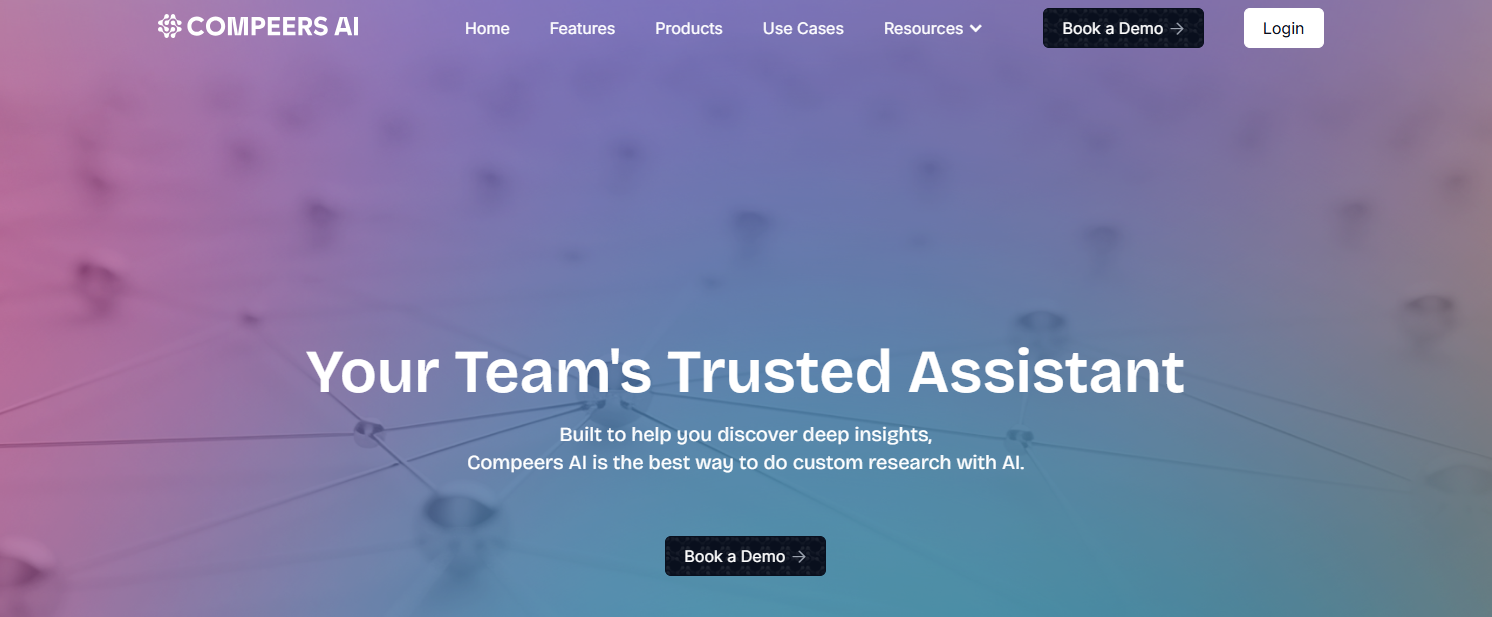
It supports qualitative research, quantitative research, segmentation, advanced analytics, data analysis, and first-draft reporting for teams that need answers tied to a specific business question.
Compeers AI works with surveys, interviews, focus groups, open-ended responses, research notes, and raw datasets. That mix helps your team connect customer feedback with consumer behavior, purchasing behavior, customer satisfaction, user needs, and customer groups.
It is especially relevant when your customer insights strategy needs research depth. You can use it to gather direct feedback, analyze unstructured data, compare segments, and create traceable reports for decision makers who need actionable insights.
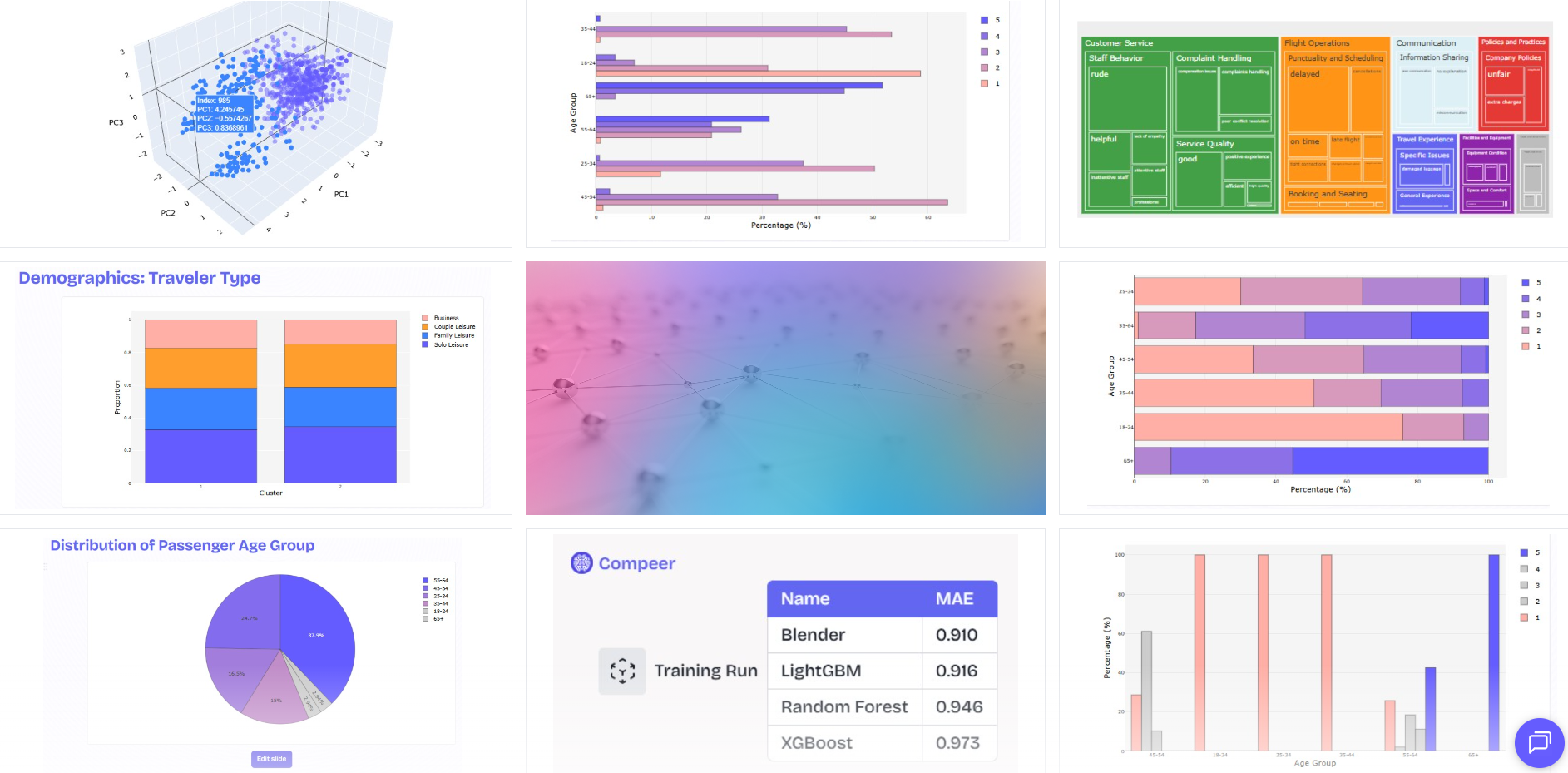
How Compeers AI Helps You Gather Customer Insights
- Creates survey questions and discussion guides around the exact customer issue your team needs to understand.
- Analyzes interviews, focus groups, open-ended survey answers, and research notes through thematic analysis.
- Connects quantitative survey data with qualitative feedback so your team can explain the numbers and the reasons behind them.
- Uses Segmentation Compeer to compare customer groups by needs, behaviors, attitudes, or market opportunities.
- Turns research evidence into traceable first-draft reports that help stakeholders make informed decisions.
2. Contentsquare
Digital experience teams gain customer insights from Contentsquare by observing how people move through websites, apps, and online journeys.
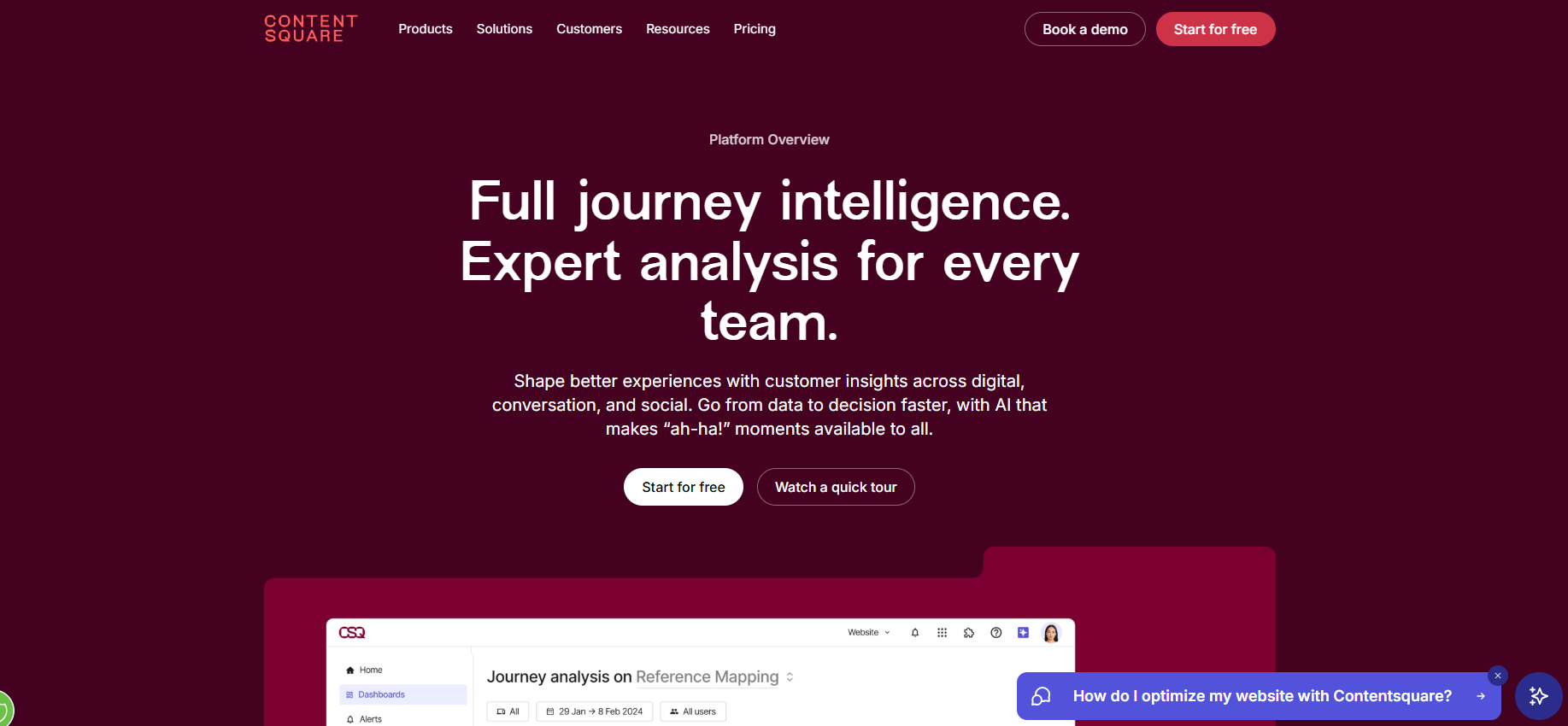
Its experience intelligence platform combines digital experience analytics, product analytics, Voice of Customer, session replay, heatmaps, journey analysis, surveys, interviews, user testing, and AI-powered recommendations.
The primary source of insight is digital behavior. Contentsquare shows where users drop off, hesitate, ignore content, encounter conversion blockers, or experience friction during their digital journeys.
For CX, ecommerce, product, and marketing teams, Contentsquare connects behavioral analytics with direct customer feedback. That creates a clearer view of online behavior and the experience issues affecting retention, conversion, and customer lifetime value.
How Contentsquare Helps You Gather Customer Insights
- Captures click, scroll, session, zone, and journey data so your team can analyze digital behavior at the page and flow level.
- Uses heatmaps and session replay to show where customers hesitate, abandon tasks, or miss important content.
- Collects Voice of Customer feedback through surveys, interviews, and user tests inside the digital experience workflow.
- Connects behavior signals with business impact, so your team can prioritize fixes tied to conversion, retention, or satisfaction.
3. Kissmetrics
Growth and revenue teams use Kissmetrics to connect person-level customer behavior with conversion, retention, revenue, and campaigns.
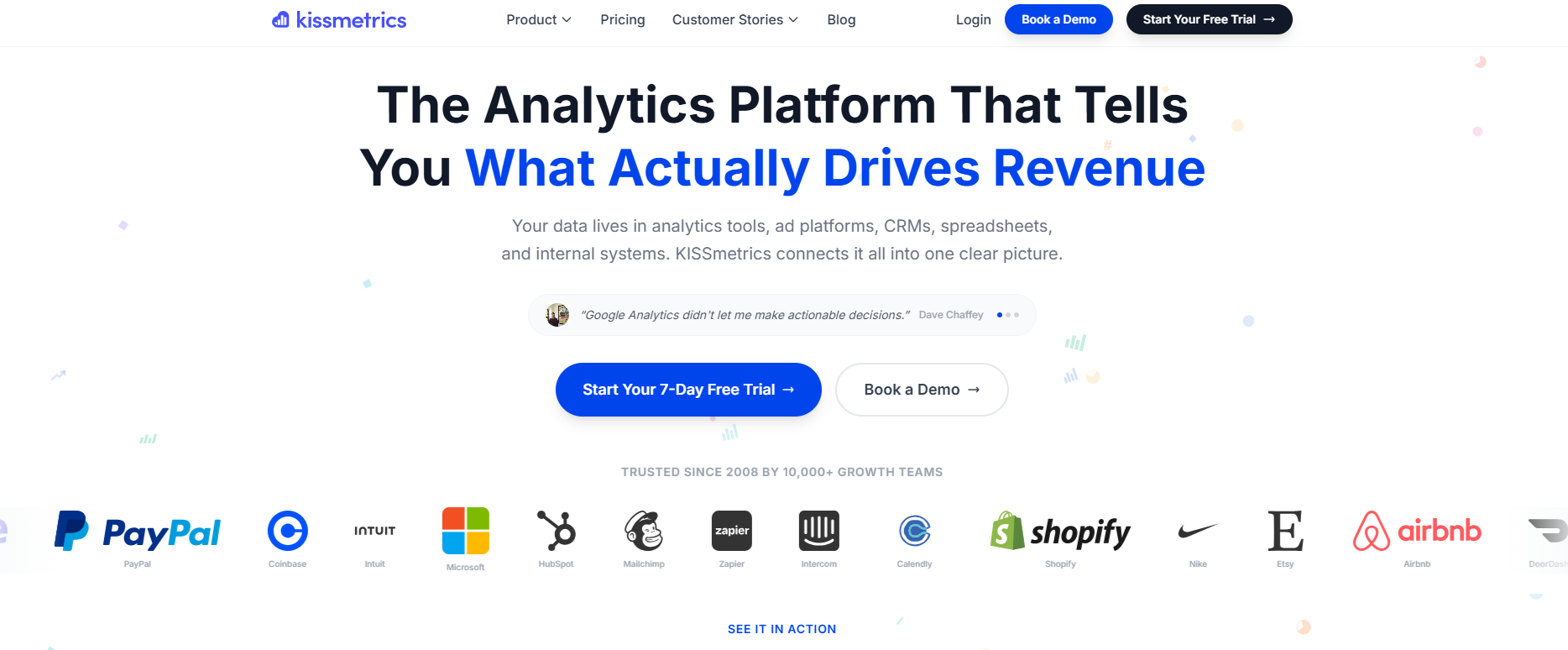
The platform tracks users through sessions and devices, then organizes customer analytics into funnels, cohorts, revenue reports, paths, activity reports, A/B tests, people search, power reports, and SQL reports.
Kissmetrics works best when your customer insight comes from product usage, buying journeys, marketing attribution, customer lifetime patterns, and churn signals. The platform makes it easier to analyze what people do before they sign up, purchase, upgrade, return, or churn.
Its data integration options make it practical for teams with a larger tech stack. You can bring in or export data through APIs, CSVs, CRM tools, email tools, data warehouses, and other systems, reducing siloed data across growth, product, and marketing workflows.
How Kissmetrics Helps You Gather Customer Insights
- Tracks people, not just sessions, so your team can follow customer behavior across visits, devices, and lifecycle stages.
- Uses funnel reports to identify drop-off points before signup, purchase, activation, renewal, or expansion.
- Builds cohorts and populations to compare retention, engagement, purchasing behavior, and customer lifetime trends.
- Connects imports, exports, APIs, CRM data, and warehouse workflows so your team can analyze behavior from multiple systems.
4. Crescendo
Crescendo turns support conversations into a source of customer intelligence as it combines AI agents, human CX experts, and support automation.
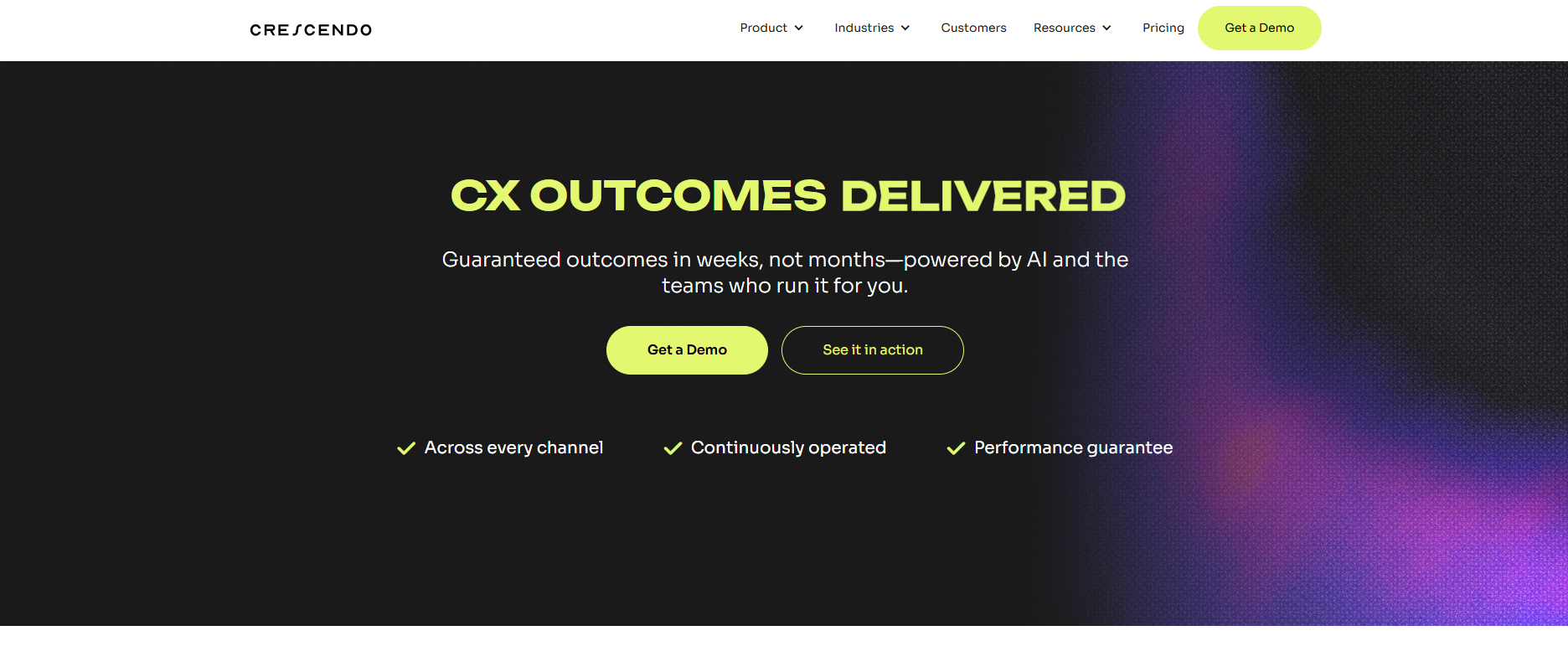
It handles chat, voice, email, multilingual service, AI-powered customer support, and customer-insight reporting from the conversations managed inside its service workflow.
Crescendo’s insight layer focuses on what customers ask, how they feel, how fast issues get resolved, and which ticket categories change over time. It analyzes query intent, customer sentiment, resolution time, automated CSAT, conversation flow, keyword usage, and outcomes.
This makes Crescendo valuable when your CX team needs to extract insights from support interactions instead of waiting for a separate survey.
The data can help you improve customer satisfaction, identify recurring service issues, predict demand spikes, and retain customers by fixing repeated problems earlier.
How Crescendo Helps You Gather Customer Insights
- Analyzes support tickets, chat conversations, voice interactions, and message threads for intent and sentiment.
- Tracks automated CSAT, resolution speed, conversation quality, and issue categories without relying only on manual surveys.
- Uses AI agents and human CX teams to resolve customer interactions while creating operational data for CX leaders.
- Surfaces recommendations that help your team improve service workflows, agent coaching, and customer satisfaction.
5. Mixpanel
Product teams get behavioral customer insight from Mixpanel by tracking what users do inside web and mobile products. It is a product analytics platform built around event tracking, funnels, retention, cohorts, user profiles, product usage, saved metrics, and behavioral segmentation.
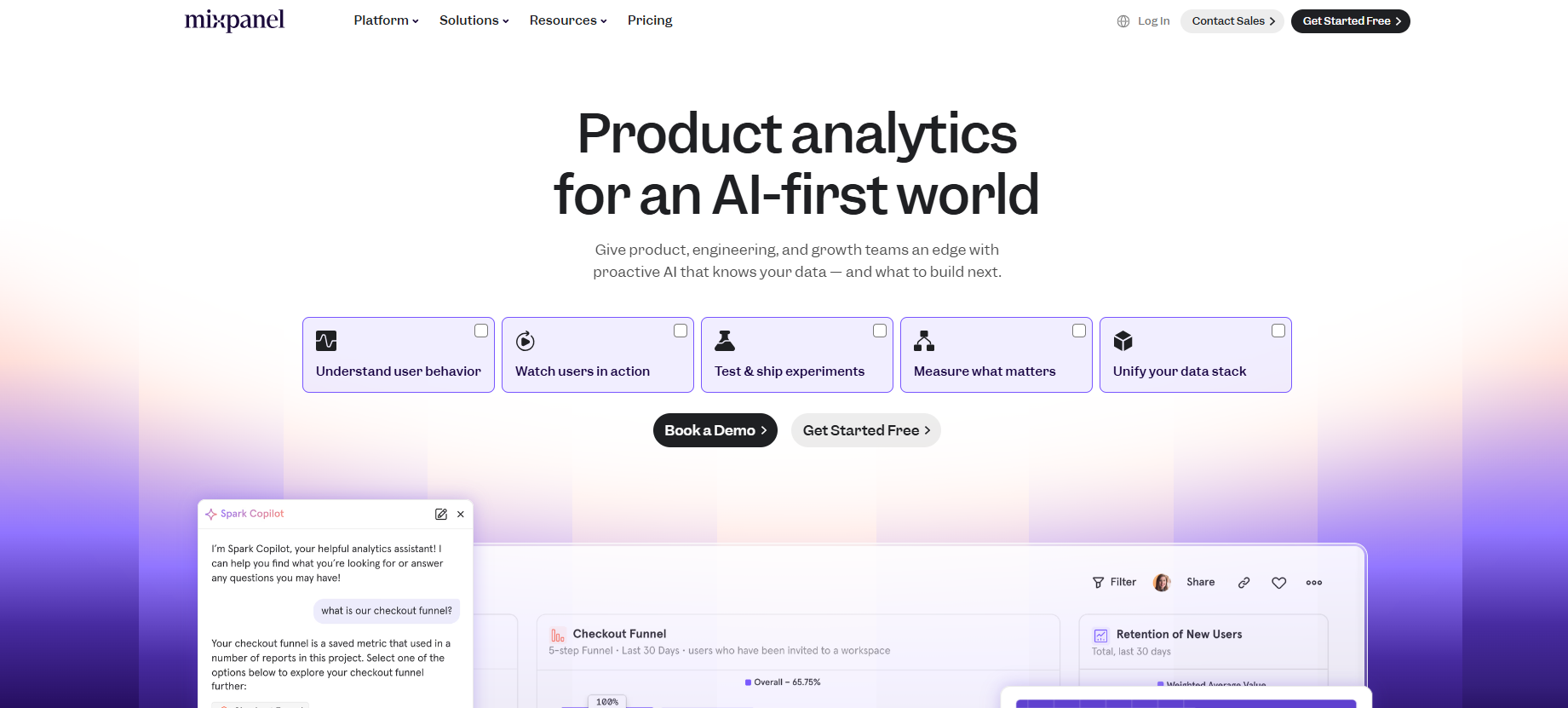
Image Source: mixpanel.com
Mixpanel is useful when your team needs real-time insights about activation, engagement, feature adoption, conversion, and churn prediction. It helps you see which actions lead to retention, which user paths create friction, and which product experiences need more attention.
Its value is product-led data analysis. You can analyze data from events, user properties, and behavioral cohorts, then use data visualization to explain trends to product, growth, and leadership teams.
How Mixpanel Helps You Gather Customer Insights
- Tracks product events such as signups, clicks, purchases, feature use, upgrades, and repeat engagement.
- Shows funnel conversion so your team can find drop-off points in onboarding, activation, checkout, or retention flows.
- Measures retention by cohort, behavior, signup source, segment, or product action over time.
- Uses reports and data visualization to help product teams understand product usage trends and user behavior.
6. Zendesk
Zendesk turns service operations into a customer intelligence source by collecting conversations from tickets, chat, email, voice, help centers, and support workflows.
It combines customer service software, AI, knowledge management, routing, analytics, and automation to help support teams understand the issues behind customer requests.
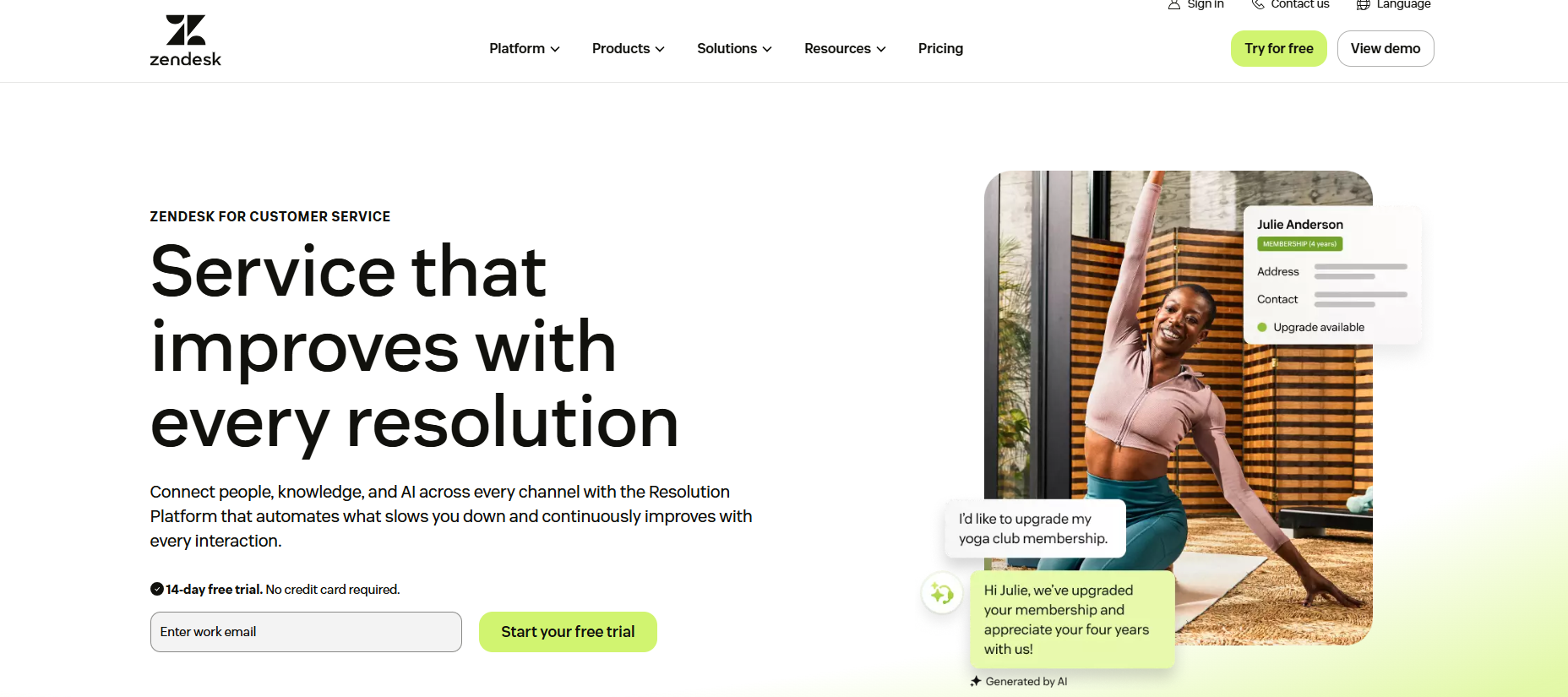
Its customer insight comes from real support interactions. Zendesk AI can classify incoming tickets by intent, language, and sentiment, while service analytics help teams monitor trends, resolution times, support quality, and recurring friction points.
For teams that already rely on Zendesk, the platform can turn support data into relevant insights for product, CX, and operations. Ticket themes can reveal user needs, broken processes, product gaps, and customer churn risks before they appear in revenue reports.
How Zendesk Helps You Gather Customer Insights
- Captures customer interactions from tickets, chat, email, voice, help center searches, and agent conversations.
- Uses intelligent triage to classify tickets by intent, sentiment, and language for faster routing and analysis.
- Teams can use API fields for ticket intent, sentiment, language, and confidence scores in deeper reporting.
- Connects support analytics with operational data so CX leaders can track recurring issues, workload, and service quality.
7. Sprout Social
Social and marketing teams use Sprout Social to understand customer sentiment, brand mentions, and emerging trends from public conversations.
Its social listening tools cover keywords, hashtags, brands, industries, multimedia content, Facebook, X, Instagram, LinkedIn mentions, Reddit, YouTube, Tumblr, and the web.
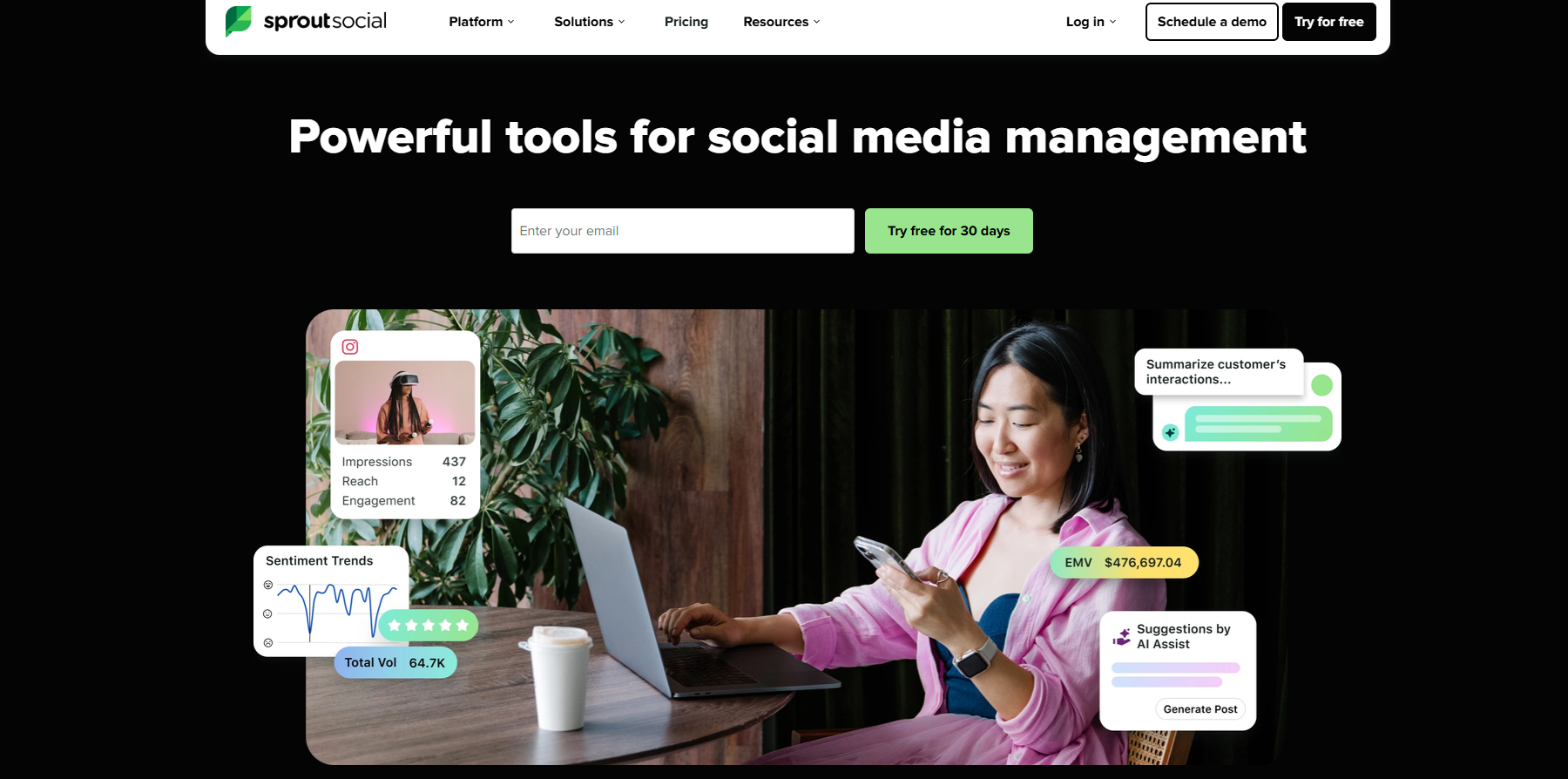
Sprout Social’s insight source is public customer language. The platform tracks how people talk about your brand, competitors, products, campaigns, and category topics on a variety of social and web channels.
This makes Sprout useful for marketing strategies, brand monitoring, consumer insights, and trend analysis. Your team can extract insights from unstructured data, track brand reputation, identify emerging trends, and connect social feedback with content, engagement, and customer experience decisions.
How Sprout Social Helps You Gather Customer Insights
- Tracks brand mentions, product keywords, competitor conversations, hashtags, and audience language from social and web sources.
- Uses sentiment analysis to identify positive, negative, and neutral conversation patterns.
- Identifies emerging trends from social conversations, comments, and public customer feedback.
- Helps marketing and CX teams connect social listening with engagement, content planning, campaign response, and brand strategy.
Turn Customer Signals Into Research-Ready Insights
Customer insights become harder to use when survey responses, support tickets, product usage, CRM records, social conversations, and journey data are stored in different places.
Your team may have the right signals, but the work still slows down when analysis, interpretation, and reporting happen in separate tools.
Compeers AI gives research teams a clearer way to turn customer data into research-ready insight.
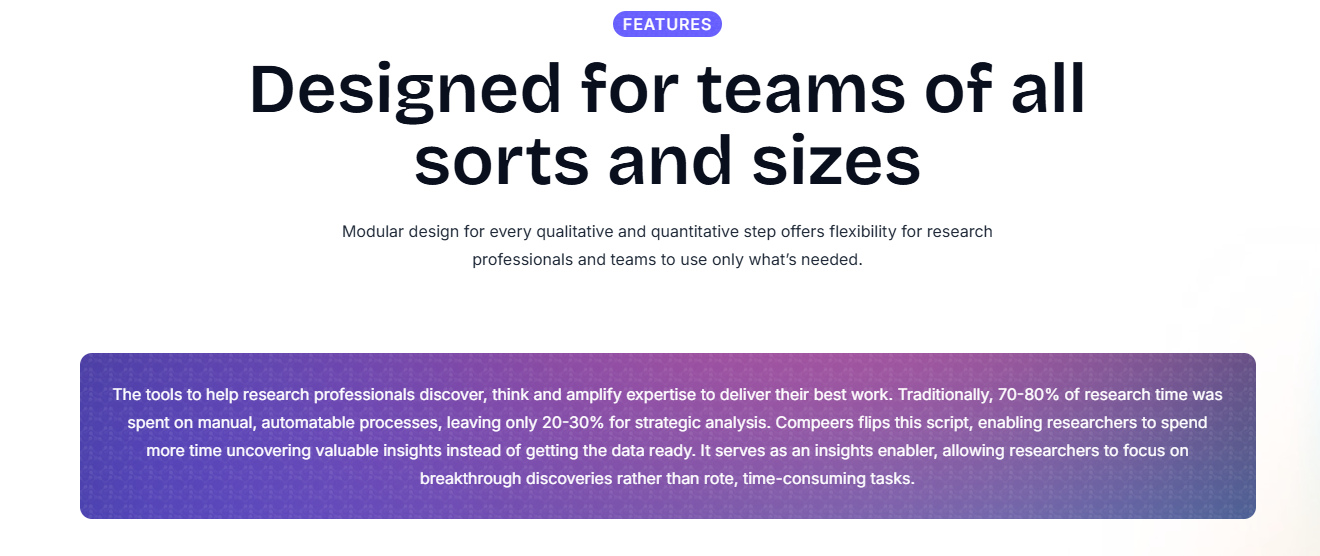
You can collect direct feedback, analyze qualitative and quantitative data, compare customer groups, and build first-draft reports that remain tied to the source evidence.
This matters when your team needs more than dashboards from Google Analytics, Google Trends, product analytics, or support tools. Compeers AI helps connect research questions with relevant data, sentiment, market needs, and business decisions.
Teams can use it to validate expectations, understand churn risk, strengthen customer-centric decision-making, and generate actionable insights from direct research.
Book a demo to see how Compeers AI turns customer signals into traceable research insights!
FAQs About Customer Insights Platforms
What are customer insights platforms?
Customer insights platforms are tools that help your team collect, connect, and analyze customer data from sources such as surveys, product usage, support tickets, CRM systems, social conversations, and customer feedback. They help your team understand customer behavior, needs, sentiment, and expectations so you can make informed decisions.
What are the 4 C's of customer centricity?
The 4 C’s of customer centricity are often described as customer, cost, convenience, and communication. They help businesses think about customer needs, value, accessibility, and communication.
How do customer insights platforms help improve CX?
Customer insights platforms improve CX by showing where customers feel friction, what they need, and which interactions affect satisfaction or churn. Your team can use those relevant insights to enhance customer experiences, improve customer engagement, and reduce repeated problems.
What should your team compare before choosing a customer insights platform?
Your team should compare data sources, integrations, analysis depth, reporting, AI agents, data analytics, security, and the platform's fit for your specific business needs. You should also check whether it supports surveys, behavioral data, support interactions, social listening, customer journey mapping, and the level of deep analysis your team needs.



.svg)
Custom research, reimagined
.svg)
.svg)
.svg)
.svg)