.svg)



Research Workflow Management for Modern Insights Teams
.jpeg)
Research work slows down when intake, fieldwork, analysis, reporting, and knowledge reuse are spread through separate systems.
A request starts in one tool, survey programming happens in another, interviews and transcripts live elsewhere, and final presentation writing ends up in slides or documents with little link back to the source data. Each handoff drops details, adds delay, and makes review harder.
Research workflow management connects that chain, so your team can move through the research process with clearer ownership, better research data management, and reusable knowledge.
In this guide, we'll show you how to keep research work connected from intake to final output.
TL;DR
- Research workflow management integrates intake, fieldwork, analysis, reporting, and knowledge reuse into a single, structured process.
- Research workflows usually break down when teams use too many tools, follow weak data practices, and rely on manual handoffs.
- The right software should support project intake, research execution, data management, and access to past work.
- Connected workflows help teams maintain context, reduce duplication, and move faster with greater control.
- Compeers AI supports research workflow management by bringing design, data collection, analysis, and reporting into one system.
What Is Research Workflow Management?
Research workflow management is the system a team uses to plan, run, track, document, and reuse the full research process.
In a market research or insights context, it covers the research lifecycle from brief and method selection through data collection, analysis, reporting, preservation, and reuse. It manages more than tasks because research includes evidence, methods, files, metadata, outputs, and decisions that need to stay connected.
A project board can track deadlines and approvals, but it can’t run a survey, organize transcripts, preserve documentation, or help researchers answer questions from prior work.
Research workflow management must support how teams create studies, analyze research data, write reports, and make knowledge available for future research projects.
Why Research Workflows Break Down
Research workflows rarely fail because one step goes wrong. Most problems build through the workflow, where disconnected tools, weak data practices, and manual handoffs start to slow down the work.
Too Many Tools Throughout the Research Workflow
Survey tools sit in one place, interview recordings and transcripts sit in another, analysis happens in spreadsheets, and reporting moves into slides or documents.
A team member may be taking notes in one app while another person cleans data during a file export, creating a research workflow full of small breaks in context.
The technology stack keeps growing, but the research process still needs one chain of custody from intake to output. When each step uses separate tools, users spend more time moving files, rewriting introductions, and checking status than doing actual analysis.
That problem gets worse in mixed-method research, where different methods bring different formats, timelines, and perspectives into one project.
Weak Research Data Management
Research data management breaks down when teams don't follow clear rules for file storage, naming, metadata, version history, and documentation.
One project may include survey exports, transcripts, coding files, notes, cross-tabs, slides, and draft reports. When those files live in different folders, use inconsistent names, or lack clear ownership, people waste time trying to find the latest version and checking what changed.
The problem is bigger than the organization. Weak research data management makes it harder to trust the work because teams cannot quickly confirm which file, notes, or output supports the final conclusion.
That also makes past research harder to reuse. Without clean metadata, documented methods, and searchable records, useful work stays buried in old folders instead of helping the next project move faster.
Manual Handoffs in the Research Process
Manual handoffs slow research at every stage.
Setup moves to fieldwork, fieldwork to cleaning, cleaning to analysis, and analysis to reporting, often with a new person rebuilding context each time. That creates duplicated work, review bottlenecks, and a longer path from raw data to decisions.
The cost shows up in small moments that pile up.
A team searches for the latest survey file, checks which tabs were updated, confirms which quotes were approved, and then rewrites the same story in a fresh deck.
Instead of moving through a single managed workflow, the project becomes a chain of manual tasks with limited control over progress and outcomes.
What Research Workflow Management Software Should Include
Research workflow management software should help your team run research with structure, continuity, and control.
To evaluate it properly, look at how it handles intake, execution, research data, and knowledge reuse across the full process.
Clear Intake, Visibility, and Ownership
Research workflow management software should start with structured intake.
Each request needs a brief introduction, business question, owner, scope, timeline, approval path, expected outputs, and success measures before the team commits resources.
That structure helps teams manage demand, organize priorities, and avoid projects that start with missing details.
Visibility also has to stay active after kickoff.
Teams need status tracking for each project, clear task and review ownership, and a shared view of progress across fieldwork, analysis, and report creation.
You should look for software that makes it easy to see who owns what, what has been approved, what still needs review, and which outputs the team has promised to deliver.
Connected Execution Across the Research Process
Research workflow management software should support execution, not just planning. That includes qualitative, quantitative, and mixed-method research, plus the steps that sit between the brief and the final output:
- Questionnaire creation
- Survey programming
- Interview and focus group setup
- Transcription
- Coding
- Tabulation
- Synthesis
- Report writing
A connected system reduces the number of places your team has to rebuild the same project. It should let researchers collaborate through methods, keep the project context attached to the underlying data, and move from collection to analysis without a long trail of exports.
Common examples include tracker studies, exploratory interviews, concept tests, and ad hoc research that mixes survey data with open-ended responses.
Strong Data Management, Security, and Knowledge Reuse
A usable system needs reliable storage, permissions, governance, and retained organizational knowledge.
NIST’s Research Data Framework treats planning, generation, processing, analysis, reuse, and preservation or discard as connected lifecycle stages rather than isolated events.
The ICC/ESOMAR Code also puts transparency, accountability, data protection, and human oversight at the center of the research process.
The knowledge layer should store more than raw data. Teams need documents, files, notes, transcripts, code, slides, case studies, presentations, citations, and prior examples linked to the project record.
In some organizations, that also includes articles, literature reviews, journal articles, international journal papers, faculty publications, public science sources, or reference papers from partner institutions.
Standard tags, metadata, and agreed-upon terms guide search throughout files, database records, archived pages, and reusable resources, so other researchers can find value in past work rather than starting from scratch.
How Compeers AI Supports Research Workflow Management
Compeers AI gives your team one connected system for research workflow management across design, data collection, analysis, and reporting.
Instead of moving a project through separate tools and handoffs, you can keep the brief, research data, working files, and draft output tied to the same workflow.
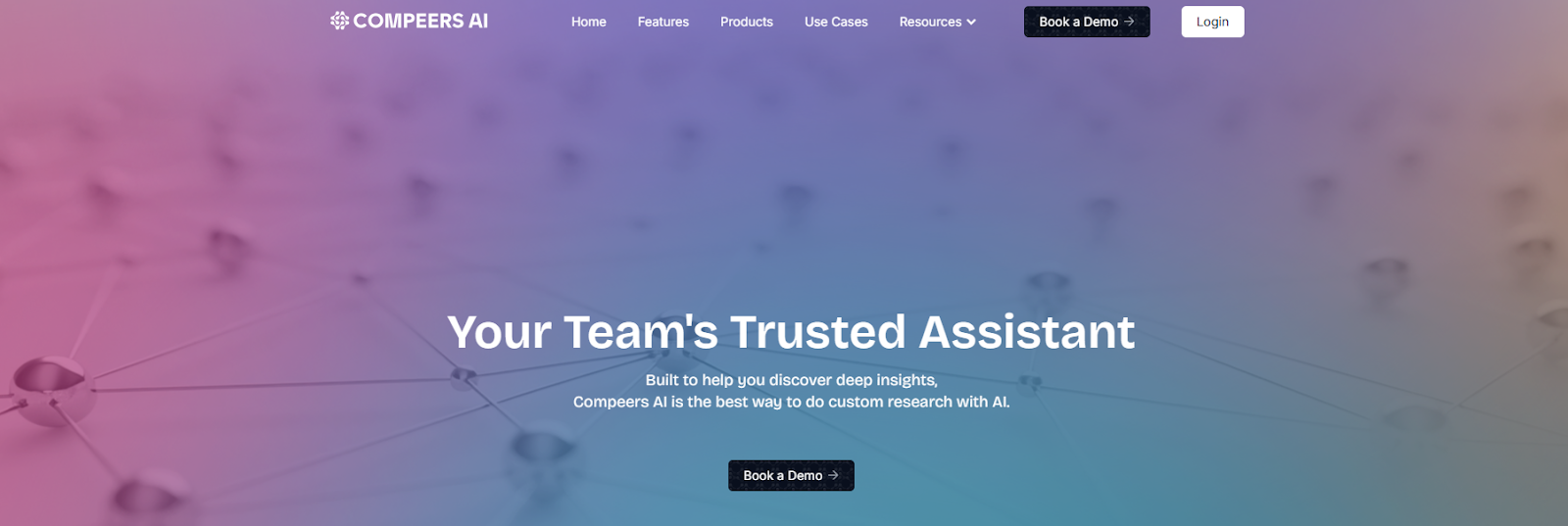
Insights teams often manage survey setup, interviews, coding, analysis, slides, and reviews through too many systems, which makes it harder to maintain context and trust what makes it into the final presentation. With Compeers AI, you keep that chain connected.
Throughout the research process, your team can:
- Build questionnaires and discussion guides alongside the project brief in the same workflow.
- Run qualitative, quantitative, or mixed-method research without splitting the project across disconnected tools.
- Keep transcripts, survey data, coding work, and analysis tied to the same source context.
- Create first-draft outputs that stay linked to the underlying evidence.
- Retain project knowledge so past work is easier to find, review, and reuse.
One System for Qual, Quant, and Mixed-Method Work
The product lines support specific research tasks without forcing your team into separate systems.
Qualitative Compeer helps with interviews, focus groups, and ethnographic work through transcription, translation, coding, and first-draft deliverables.
Quantitative Compeer supports questionnaire design, survey programming, data cleaning, respondent quality checks, cross-tabs, open-ended coding, and analytics.
Mixed-method teams can carry both sides of the work in one research workflow.
Segmentation Compeer applies industry-standard factor analysis and multiple segmentation models to rapidly identify audience segments, while Short Responses Compeer helps teams analyze open-ended responses faster.
Rapid Concept Evaluation Compeer supports concept testing and structured feedback workflows when you need quicker cycles and clearer readouts.
Savant keeps first-pass interpretation close to the data. Your team can query project data in natural language, explore patterns, slice results, and build visual outputs without losing the thread between the question, the analysis, and the final story.
Compeers AI is great for teams that need more than task tracking. It helps you reduce manual execution work, keep research context across projects, and produce traceable outputs with enterprise-grade security and control.
When the pressure is to move faster without losing rigor, that kind of continuity changes how the whole workflow holds together.
Book a demo to see how one connected workflow can support research from setup to final output!
Research Workflow Management vs. Generic Workflow Management Software
Generic workflow software helps teams assign tasks, track timelines, and manage approvals.
Research workflow management software needs to do more, as the actual work involves data collection, analysis, reporting, documentation, and knowledge reuse throughout the research lifecycle.
If the system can track a project but can’t support the underlying research, fragmentation remains.
Here's a side-by-side comparison:
A generic project tool can still play a role in a wider organization. It can help manage dependencies, calendars, and cross-team coordination.
Research workflow management handles the research itself: the survey instrument, the transcript set, the analysis path, the citations behind the story, and the preserved knowledge your team needs for the next study.
Keep Research Work Connected in One System
Fragmented research work slows teams down because each handoff forces someone to restate the brief, hunt for files, check the latest version, and rebuild earlier logic.
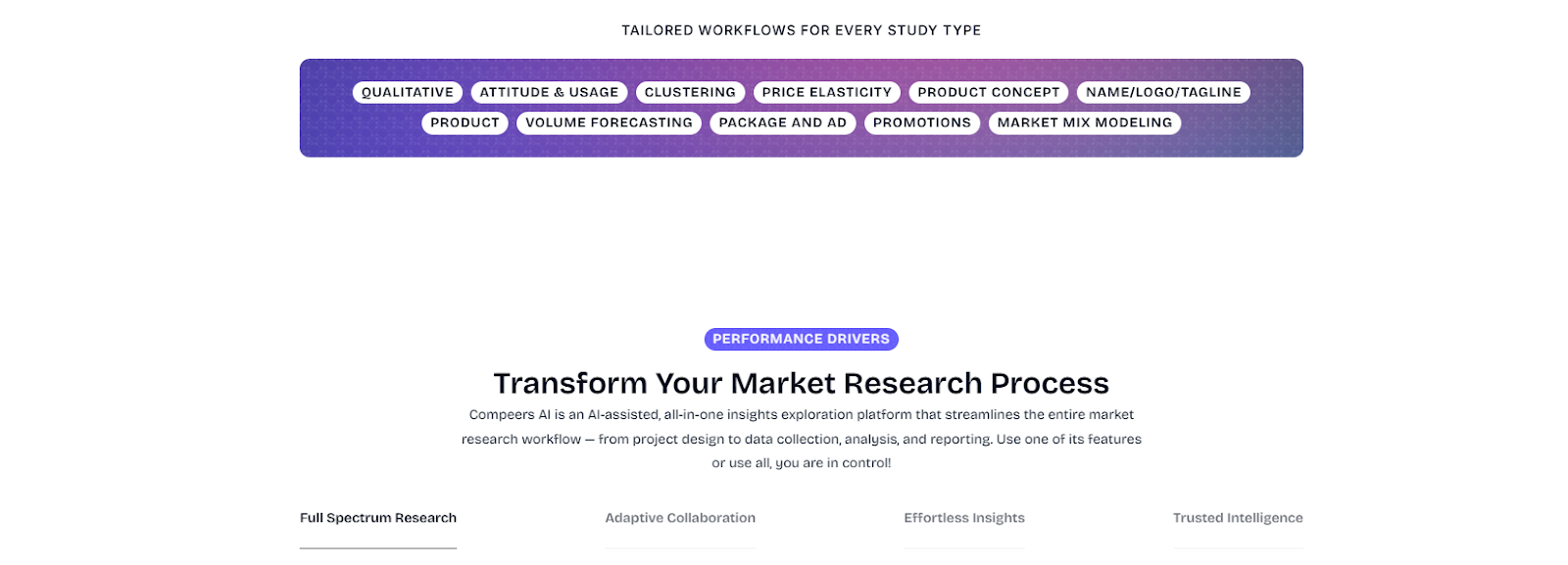
Connected workflows keep context intact, preserve documentation, and make collaboration easier from intake through final presentation. Teams can spend more time on interpretation and decisions instead of cleanup and tracking.
Compeers AI brings research setup, execution, analysis, and reporting together so your team can manage the full workflow in one place, retain knowledge within the organization, and deliver traceable outputs with human oversight.
Book a demo to see how one connected workflow can keep research moving from intake to final output!
FAQs About Research Workflow Management
How long does it take to improve a research workflow?
Improving a research workflow usually takes weeks if you begin with intake rules, ownership, file structure, and a single repeatable reporting path. Bigger changes, such as shared metadata, permissions, documentation standards, and team training, take longer because they affect the full research lifecycle and daily practices.
Who should own research workflow management inside a team?
Research workflow management should usually sit with the person who can see the full process end to end, often a Research Ops lead, an insights operations manager, or a senior research manager. In a smaller team, one researcher can own it, but that owner still needs control over intake, templates, documentation, approval rules, and knowledge storage.
Can research workflow management help smaller teams, or is it only for enterprises?
Smaller teams often feel the pain sooner because they have less time to absorb duplicated work and manual fixes. The same workflow basics help in-house teams, agencies, faculty groups, and larger institutions because every team needs a clean way to organize data, collaborate, preserve outputs, and reuse knowledge throughout projects.
What is the biggest mistake teams make when managing research workflows?
The biggest mistake is treating research workflow management as nothing more than task tracking. A board can show progress, but it won’t fix poor research data management, missing metadata, unclear ownership, inconsistent naming conventions, or knowledge trapped in old slides, documents, and database exports.
Latest articles
Browse all posts

.svg)
Custom research, reimagined
.svg)
.svg)
.svg)
.svg)