.svg)



10 Best Market Research Tools To Use in 2026

Market research helps teams validate demand before they invest time, budget, and energy in the wrong direction. It gives marketers, product teams, and researchers a clearer view of their target audience, market trends, and the signals behind better decisions.
Market research tools support that work in different ways. Some help you create surveys and collect survey responses, while others help you analyze competitors, review public data, track social media conversations, and turn scattered findings into market insights.
We put together this list of 10 market research tools for the jobs teams actually need to do in 2026.
It covers platforms for custom research, consumer insights, market analysis, content research, and reporting, so you can find the right fit for your workflow, your research goals, and the decisions your team needs to make.
TL;DR
These are the best market research tools for 2026:
- Compeers AI — Best for End-to-End Custom Market Research
- Pollfish — Best for Fast Survey-Based Consumer Research
- SurveyMonkey — Best for Team Survey Creation
- Statista — Best for Market Data and Consumer Insights
- U.S. Census Bureau — Best for Free U.S. Demographic Data
- BrandMentions — Best for Brand Monitoring and Social Insights
- Tableau — Best for Market Research Dashboards and Reporting
- Google Charts — Best for Free Lightweight Data Visualization
- Sisense — Best for Embedded Analytics and Internal Reporting
- BuzzSumo — Best for Content Research and Trend Discovery
Top 10 Market Research Tools To Use in 2026
Choosing market research tools is not just about adding more software to the stack. Research teams already deal with survey design, fragmented data, shifting market trends, and pressure to give stakeholders clear answers they can trust.
We chose these tools because they help teams do what matters most in market research:
- Create surveys
- Gather targeted insights
- Analyze data
- Validate market knowledge
- Track social media conversations
- Turn findings into data-driven insights
Let's get into it.
1. Compeers AI — Best for End-to-End Custom Market Research
Insights teams and research agencies juggle survey design, interviews, coding, analysis, and reporting through too many tools, vendors, and handoffs.
With Compeers AI, you keep that work in one market research software system built for custom qual and quant research, so teams keep context from the brief to the first draft instead of rebuilding the story at every step.
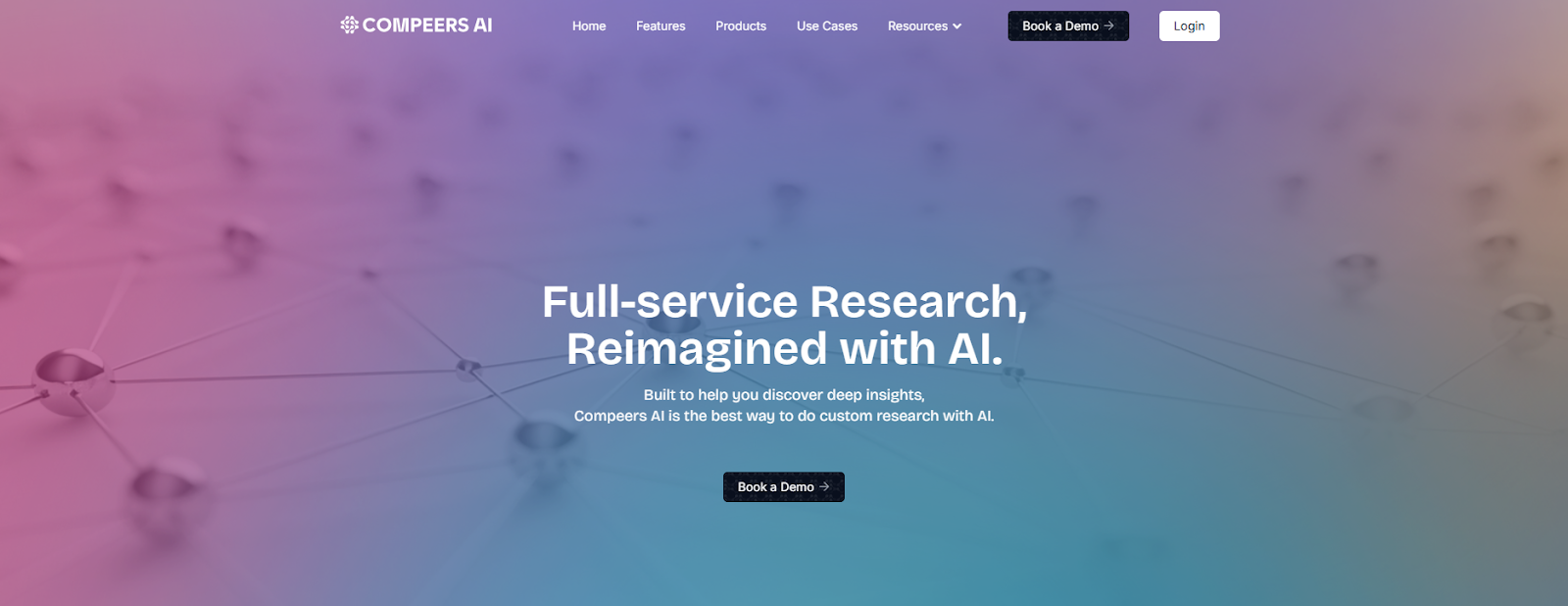
Compeers AI helps teams run the work that usually gets split apart. It supports questionnaire and discussion guide creation, survey programming, transcription, translation, thematic coding, cross-tabs, open-ended coding, advanced analytics, and editable first-draft deliverables inside one connected workflow.
Quantitative Compeer can automate survey programming for up to 100 questions in under two minutes, while Qualitative Compeer supports secure interviewing, multi-language transcription, qualitative Q&A, and first-draft summaries, presentations, and memos.
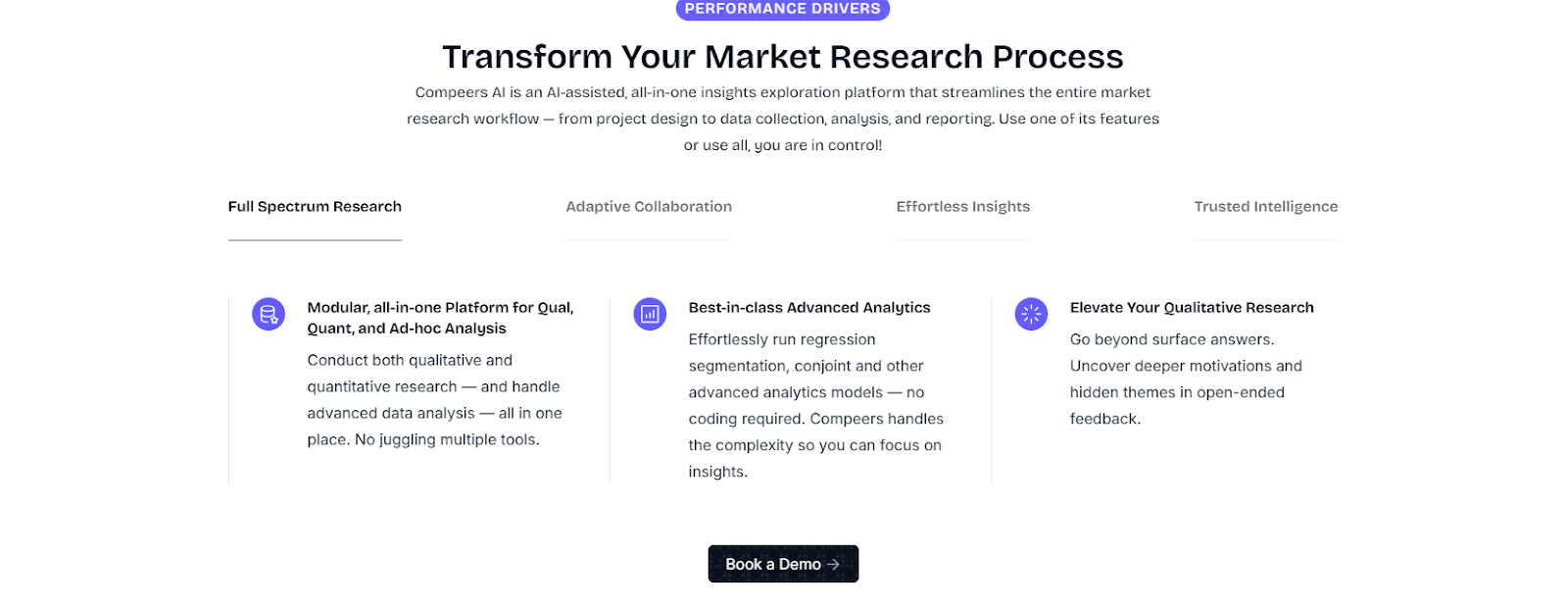
Support Your Team Across the Research Workflow with Compeers AI
Here’s how Compeers AI supports the parts of research your team usually has to manage throughout separate tools and handoffs:
- Qualitative Compeer supports in-depth interviews, focus groups, translation, transcription, thematic coding, and narrative reporting.
- Quantitative Compeer covers questionnaire design, automated survey programming, respondent quality detection, cross-tabs, open-ended coding, auto-plotting, and first-draft reporting.
- Segmentation Compeer uses factor analysis and multiple segmentation models to identify audience segments, build segment personas, map demographic and behavioral traits, and create decision-ready profiles for marketing activation.
- Short Responses Compeer helps teams handle fast-turn qualitative work with quick question generation, file upload, automated transcription, rapid coding, sentiment analysis, conversational Q&A, and quant-style analysis for short-response datasets.
- Rapid Concept Evaluation Compeer handles concept testing with discrete choice modeling, market share prediction, key driver identification, and audience segmentation.
- Savant works as an always-on AI data assistant for data exploration, visualization, and first-pass insight generation.
Buyers need answers they can explain, trust, and use in real business decisions, and Compeers AI supports this with traceable outputs, verifiable AI, SOC 2 Type II, and ISO/IEC 27001:2022.
Savant queries project data, compares cuts, visualizes patterns, and extracts data from qualitative and quantitative work so teams can get deeper insights without losing methodological control.
Compared with many marketplace research tools, Compeers AI gives teams a clearer path from raw inputs to deeper insights they can defend in front of stakeholders.
Key Features
- Connects project design, data collection, analysis, and first-draft reporting in one workflow.
- Supports Qualitative Compeer, Quantitative Compeer, Segmentation Compeer, Short Responses Compeer, and Rapid Concept Evaluation Compeer for different study types.
- Automates survey programming, transcription, thematic coding, cross-tabs, open-ended coding, and editable first-draft deliverables.
- Uses Savant to query qualitative and quantitative data, extracts data patterns, surfaces trends, and supports deeper insights from current and past research.
- Protects sensitive research work with traceable outputs, verifiable AI, SOC 2 Type II, and ISO/IEC 27001:2022.
Pricing
- Custom pricing through a guided demo.
Book a demo and see how Compeers AI turns qual and quant data into instant, usable answers!
2. Pollfish — Best for Fast Survey-Based Consumer Research
Pollfish is a survey platform built for fast, self-serve market research with paid sampling. It fits teams that want to conduct surveys quickly, reach a large target audience, and collect responses without building their own panel.
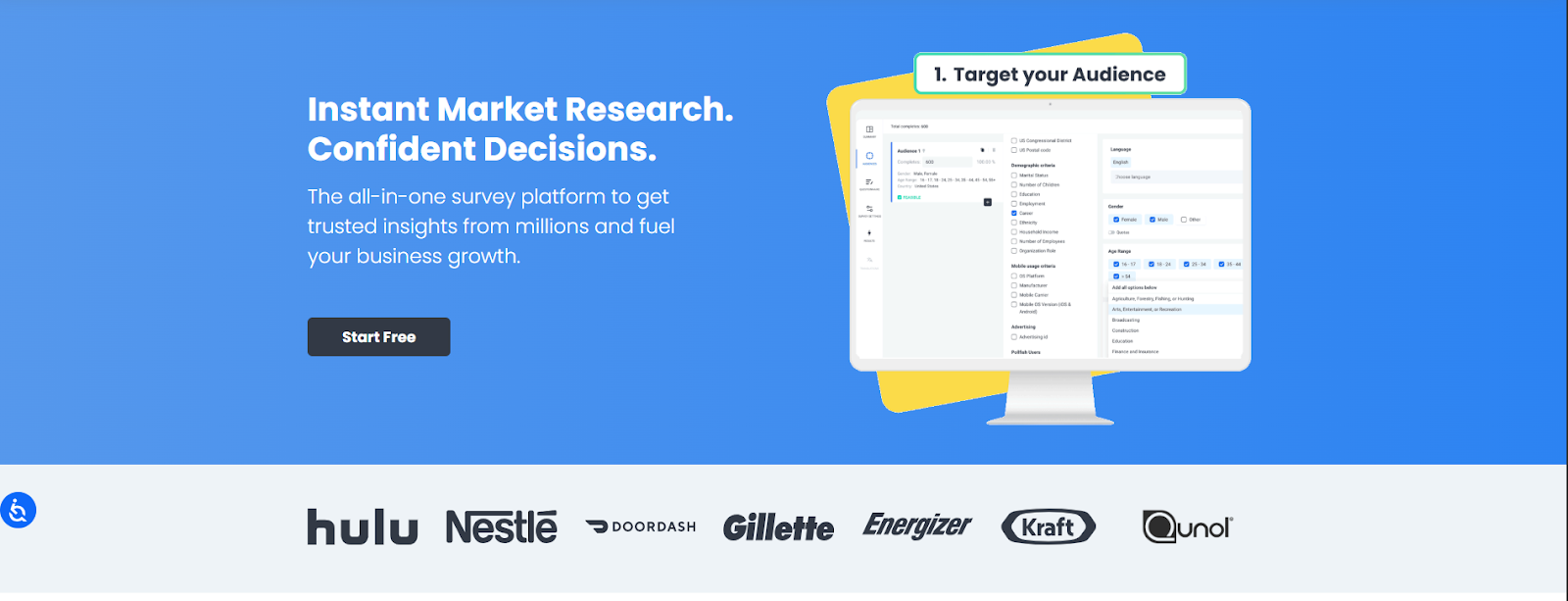
If your market research survey depends on speed, paid sampling, and fast access to a target audience, Pollfish gives you a simple way to launch studies and collect survey responses from a large mobile-first respondent network.
It's a practical fit for concept checks, pricing tests, audience feedback, and early-stage consumer research, where the main goal is to quickly generate targeted insights.
Its AI survey builder can turn a prompt into a draft questionnaire, suggest question types, and help teams create surveys for more advanced methods like MaxDiff and conjoint without starting from a blank page.
Key Features
- Pay-per-response survey platform with a global consumer panel and flexible audience targeting.
- An AI survey builder that helps teams create surveys from a prompt and improve survey flow.
- Support for advanced studies, such as conjoint and MaxDiff, for teams that need more than simple survey responses.
Pricing
- DIY platform starts at $0.95 per response
- Full-service projects start at $5,000 per project
- Enterprise packages start at a $10,000 annual commitment
3. SurveyMonkey — Best for Team Survey Creation
SurveyMonkey is one of the most widely used survey platforms for teams that want to create surveys, collect survey responses, and analyze results with minimal setup.
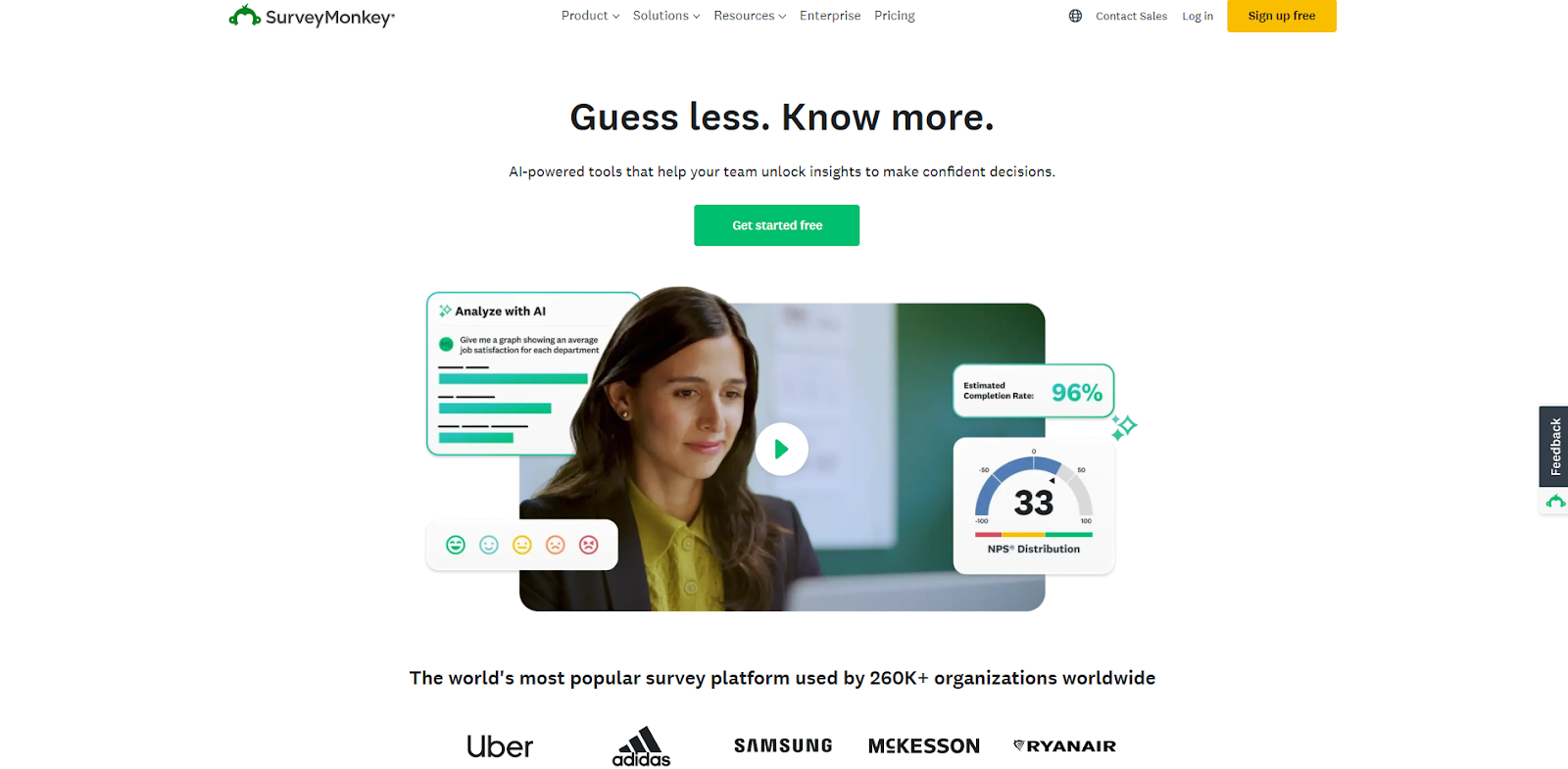
It fits businesses that run recurring customer feedback programs, brand trackers, employee studies, and general market research needs, where ease of use matters as much as depth.
For many teams, it's the tool they choose when they need a platform that is easy to create surveys in and simple for non-specialists to manage day to day.
SurveyMonkey supports logic, collaboration, exports, and paid access to SurveyMonkey Audience, which helps teams reach research participants by country, age, income, employment status, and other filters.
That makes it useful for market research teams that want to conduct surveys with a defined target audience, gather consumer insights, and gain insights without managing panel recruitment themselves.
Key Features
- Supports 500+ templates, AI-assisted survey building, logic branching, dashboards, exports, and NPS surveys.
- Gives access to SurveyMonkey Audience, a global panel of 335M+ people across 130+ countries.
- Includes analysis tools such as filters, text analysis, dashboards, and report exports.
Pricing
- Team Advantage: €30/user/month
- Team Premier: €75/user/month
- Enterprise: Custom pricing
4. Statista — Best for Market Data and Consumer Insights
Statista is a global data platform for teams that need fast access to market insights, industry statistics, and consumer research across many sectors.
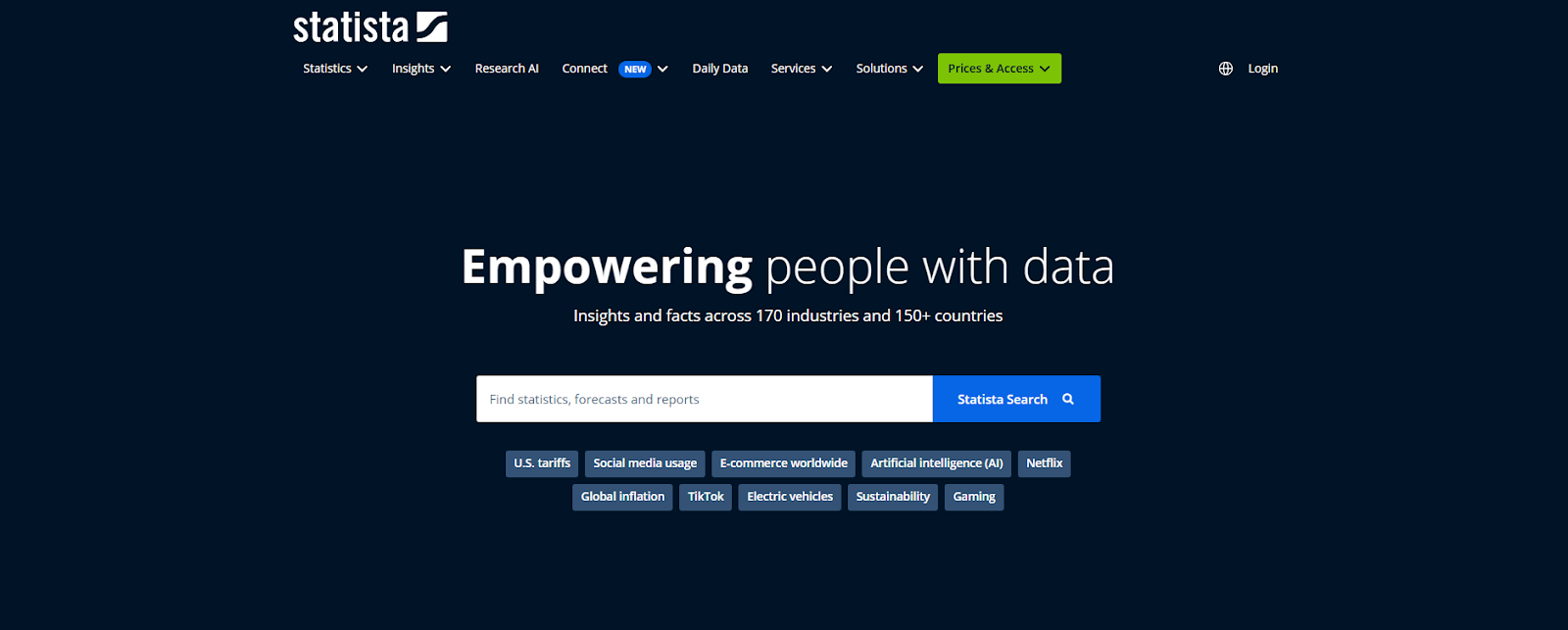
It's practical when you need data-backed context for buyer personas, market analysis, trend validation, or board-ready slides, without having to build every dataset yourself.
It gives marketers, planners, and analysts fast access to statistics, reports, forecasts, and consumer research throughout industries and countries.
If you need valuable data to support a hypothesis or pressure-test what traditional research is showing, Statista can save a lot of time.
Its Consumer Insights product covers buying behavior, media usage, and brand interactions over dozens of countries and thousands of brands, which helps teams move from broad assumptions to clearer consumer insights.
That's helpful when you want to size a category, understand potential customers, or build market insights before you conduct your own surveys or interviews.
Key Features
- Covers business data over 170 industries and 150+ countries.
- Includes Consumer Insights with 3,000,000+ interviews across 56 countries, 500+ industries, and 15,000+ brands.
- Offers charts, reports, brand data, and downloadable statistics for fast market knowledge.
Pricing
- Basic: Free
- Starter: $199/month
- Personal: $649/month
- Professional: $1,399/month
5. U.S. Census Bureau — Best for Free U.S. Demographic Data
The U.S. Census Bureau is one of the most useful free tools for teams that need demographic, economic, and local business data in the United States.
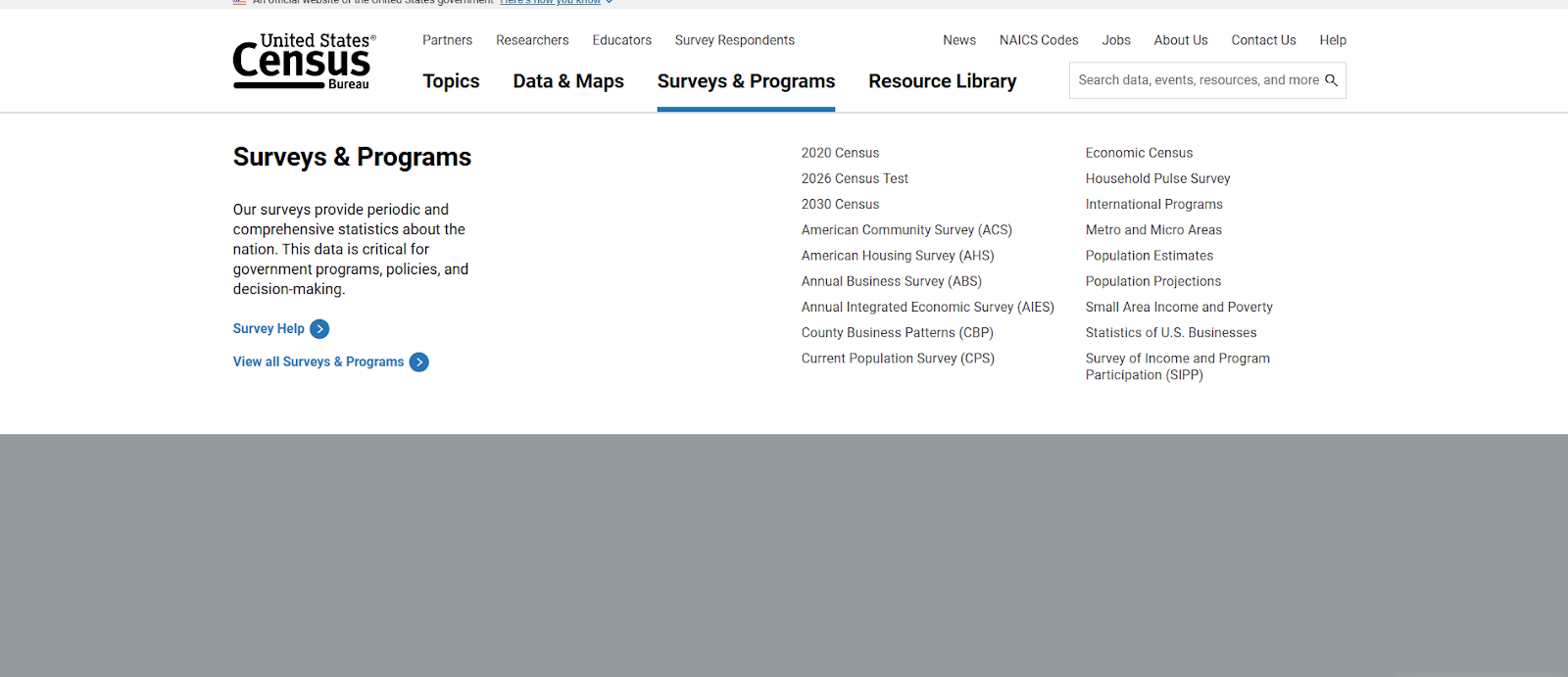
It's a practical choice when you want to estimate demand, understand a target market, size a geography, or build a location-based view of potential customers before spending money on fieldwork. For many research teams, it is a core resource for conducting market research at the planning stage.
Explore Census Data, Census Business Builder, and related business and economy tools help teams review population trends, income, employment, housing, and business activity by geography.
That provides market researchers with a strong foundation for market knowledge, early market analysis, and demand modeling, especially when the job is to understand who operates in a market, how it is changing, and where a company may find new potential customers.
Key Features
- Offers the Explore Census Data tool, maps, tables, microdata, and topic-based data tools through people, housing, business, and economy.
- Includes tools such as Census Survey Explorer, Census Business Builder, and Economic Database Search and Trend Charts.
- Helps teams build buyer personas and estimate demographic opportunity by geography.
Pricing
- Free
6. BrandMentions — Best for Brand Monitoring and Social Insights
BrandMentions is a social and web monitoring tool for teams that want to follow brand visibility, competitor activity, and emerging conversations across the web.
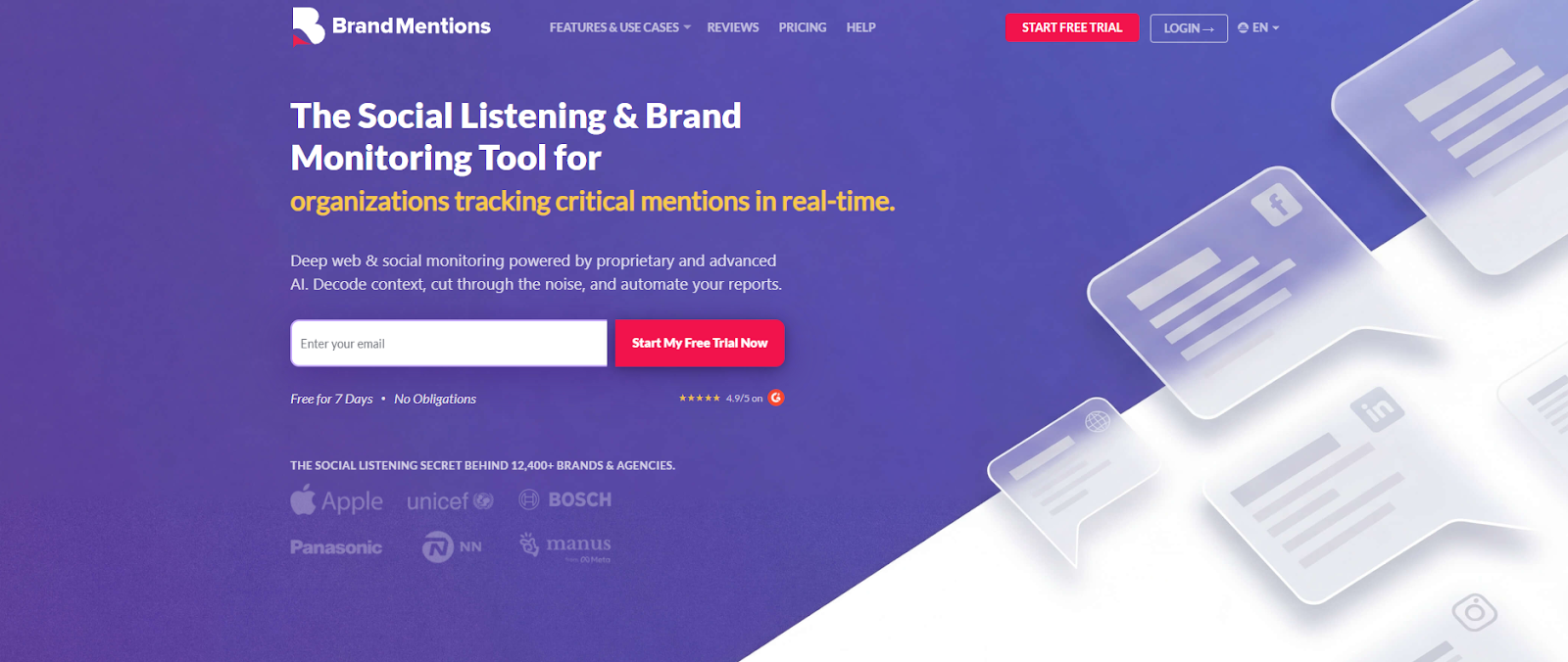
It works well when market research needs go beyond surveys, and you need to identify trends in real time, track what people are saying throughout social media, and pick up market signals before they show up in formal studies.
That makes it useful for brand teams, agencies, and researchers who want faster visibility into conversations that shape perception and demand.
The platform combines monitoring, reporting, and sentiment analysis. Teams can track mentions throughout web sources, news, blogs, forums, and social channels, then use dashboards and alerts to spot changes in sentiment, reach, and share of voice.
Key Features
- Monitoring across the web, news, forums, blogs, and major social media channels.
- AI sentiment analysis, alerts, and analytics for ongoing conversation tracking.
- Historical data, Boolean search, and branded reporting on higher plans.
Pricing
- Starter: $99/month
- Pro: $299/month
- Expert: $499/month
- Enterprise: $1,299/month
7. Tableau — Best for Market Research Dashboards and Reporting
Tableau is a business intelligence and data visualization platform for teams that need to analyze data, build dashboards, and present findings clearly to stakeholders.
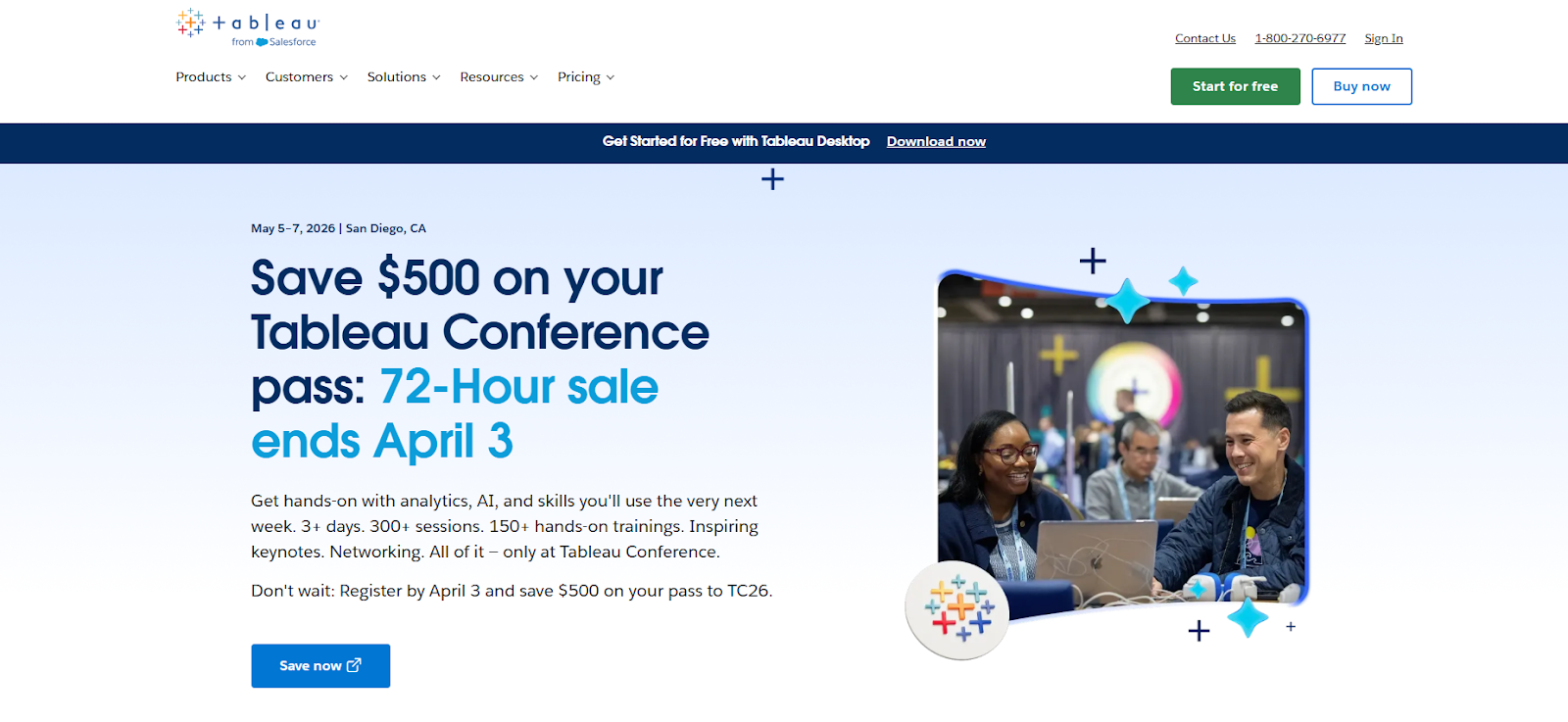
It's practical when raw spreadsheets stop being enough, and the team needs a better way to turn research outputs into data-driven insights others can explore, filter, and act on.
That makes it suitable for research teams, analysts, and decision-makers who need clearer reporting through large datasets.
It can connect to multiple data sources, combine survey results with sales or behavioral data, and help teams spot patterns faster through interactive dashboards and self-service analytics.
If your team needs a clearer way to analyze data, support business intelligence reporting, and explain results to stakeholders, Tableau gives you a more scalable layer than static charts or slide exports.
Key Features
- Interactive dashboards, browser-based authoring, and data prep tools for analysis and reporting.
- Multiple license types for creators, explorers, and viewers through different team roles.
- Tableau Pulse and related analytics features for ongoing access to actionable insights.
Pricing
- Tableau: $15/user/month billed annually
- Tableau Enterprise: $35/user/month billed annually
- Tableau+ Bundle: Custom pricing
8. Google Charts — Best for Free Lightweight Data Visualization
Google Charts is a free tool for teams that need quick visual outputs without committing to a full business intelligence platform.
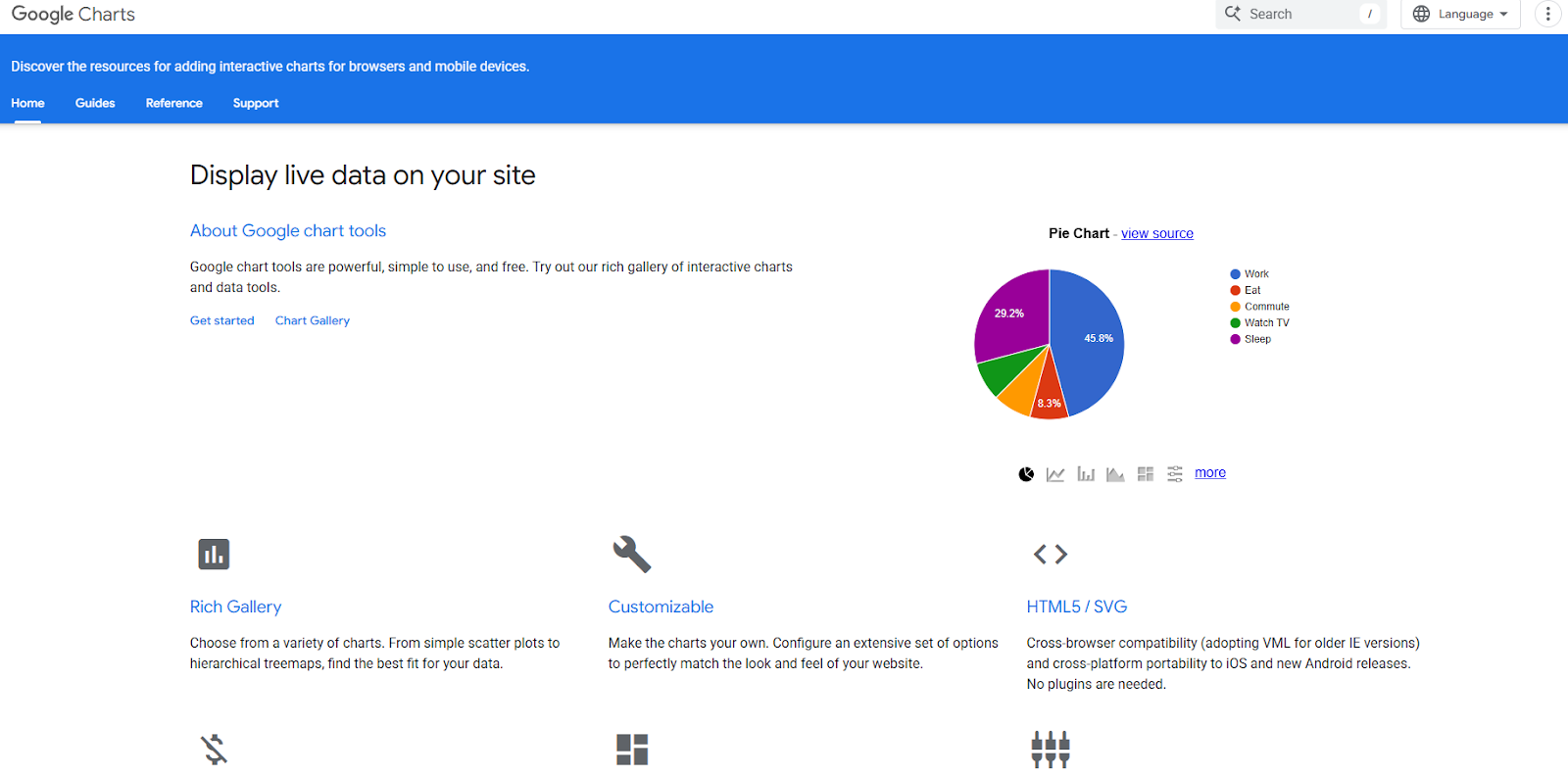
It works well for internal dashboards, lightweight reporting, and web-based visualizations where the main goal is to explain findings clearly and keep implementation simple.
The value here is speed and flexibility for developers or technically comfortable teams. Google Charts supports interactive HTML5 and SVG charts, works through browsers and mobile devices, and can connect to live data sources for dashboard-style experiences.
It's not designed to replace a full analytics stack, but it can help teams gain insights from research outputs and present market insights in a lighter format when a more complex setup is unnecessary.
Key Features
- Free charting library with a wide chart gallery for web and mobile use.
- Interactive charts and dashboards built with HTML5 and SVG.
- Real-time data connections and embeddable examples for lightweight reporting use cases.
Pricing
- Free
9. Sisense — Best for Embedded Analytics and Internal Reporting
Sisense is an AI analytics and embedded analytics platform built for companies that need dashboards, reporting, and data analysis inside products or internal systems.
While it’s primarily a business intelligence tool, it’s often used for marketing analytics and market research purposes.
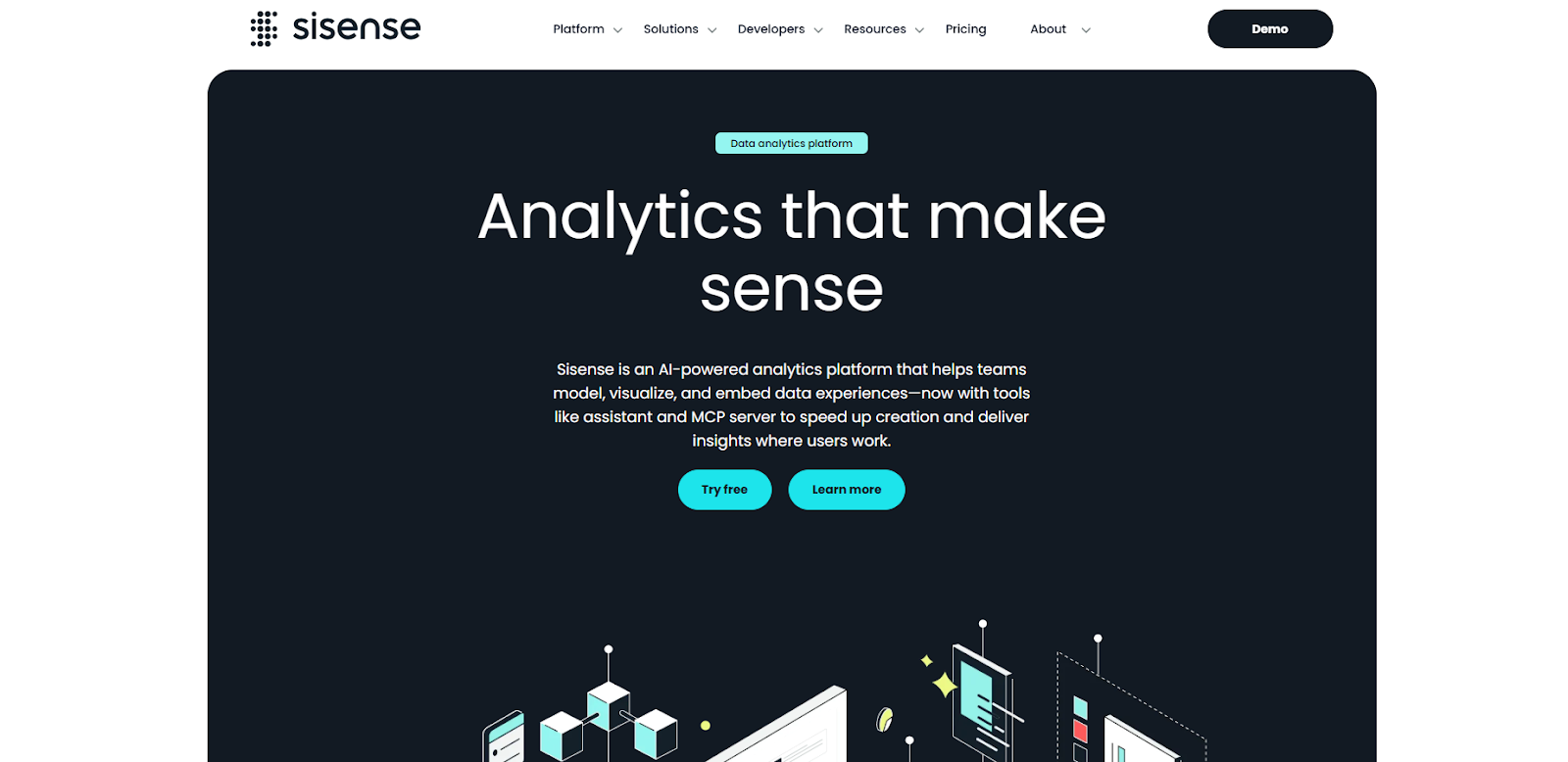
It fits companies that need more than standalone charts because they want analytics connected to the places where teams already work.
For a market researcher or product analytics team, Sisense is useful when data analysis needs to be shared with customers, teams, or operational workflows rather than kept in a separate BI environment.
It also covers a broader range of deployment needs than a basic dashboard tool. Sisense includes data connectivity, modeling, embedded support, row-level security, AI-driven features in Sisense Intelligence, and options for SaaS, dedicated cloud, or customer-hosted setups at higher tiers.
Key Features
- Embedded analytics with dashboard design, reporting, and multiple embedding methods.
- Data connectivity, modeling, and security controls such as row-level security and SSO options.
- Sisense Intelligence features, including Assistant, Narratives, and LLM support.
Pricing
- Launch: $399/month
- Grow: $1,299/month
- Scale: Custom pricing
10. BuzzSumo — Best for Content Research and Trend Discovery
BuzzSumo is a content research platform for teams that want to see what topics, headlines, publishers, and questions are gaining traction across the web.
It's useful in market research to understand what audiences are reading, sharing, and asking about before a team commits to content, messaging, or campaign strategy.
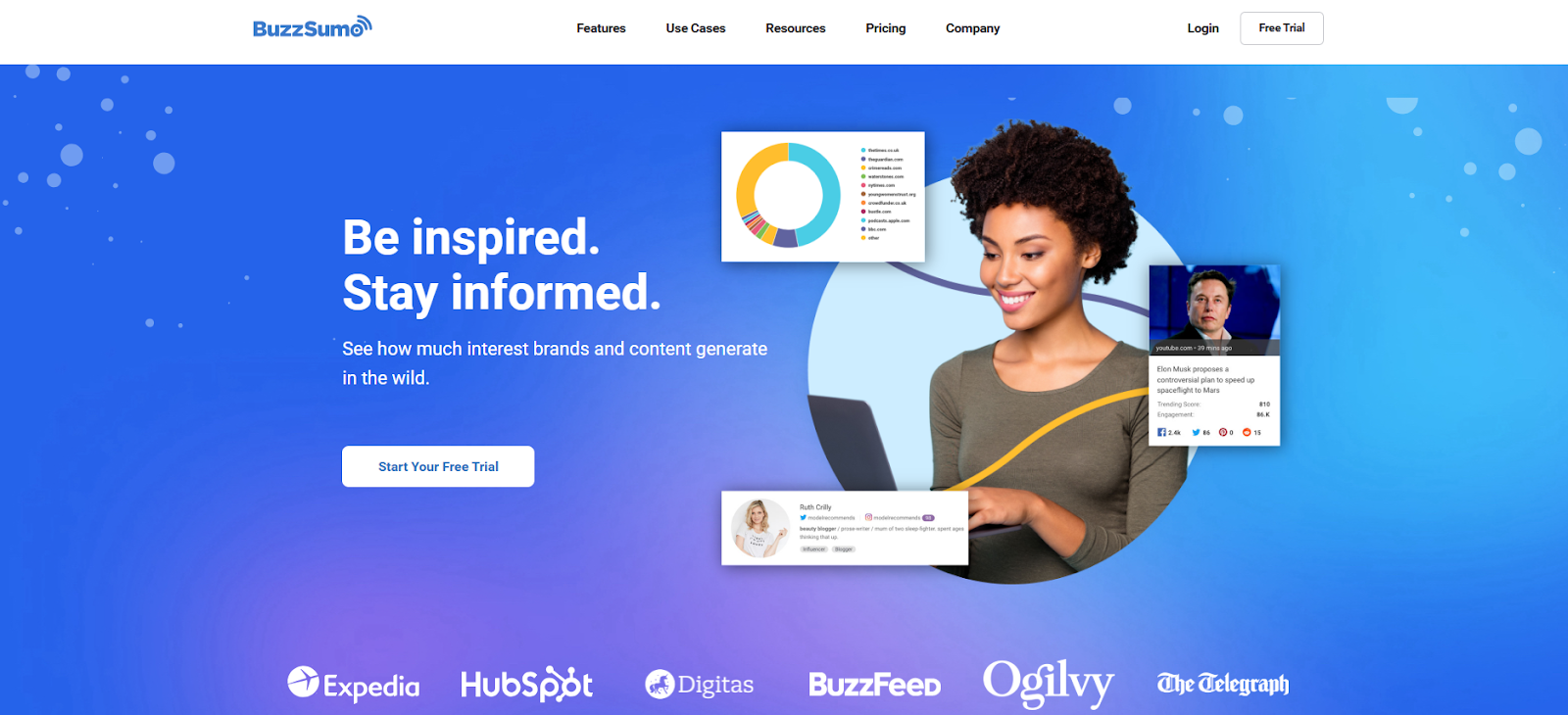
Teams can review trending feeds, analyze engagement across billions of articles and social posts, explore forum questions, and use media and YouTube data to spot trending subjects.
That makes BuzzSumo a practical option for competitive analysis, editorial planning, and marketing strategies built around what people already care about.
Key Features
- Content Analyzer for engagement data across articles and posts on a large scale.
- Trending feeds and Question Analyzer for finding topics, questions, and emerging conversations.
- Higher-tier tools such as journalist discovery, YouTube Analyzer, and media monitoring features.
Pricing
- Content Creation: $199/month
- PR & Comms: $299/month
- Suite: $499/month
- Enterprise: $999/month
Deliver Deeper Analytics and Actionable Insights With Less Manual Work
Insights teams don’t need more software solutions that handle one task and leave the rest of the work scattered throughout surveys, interviews, spreadsheets, and reporting decks.
Many marketing tools can schedule recurring surveys or collect feedback, but your team still has to connect the findings, explain the patterns, and turn the work into decisions stakeholders trust.
With Compeers AI, your team has one connected system for custom qual and quant research, so the brief, the data, the analysis, and the first draft stay tied together from start to finish.
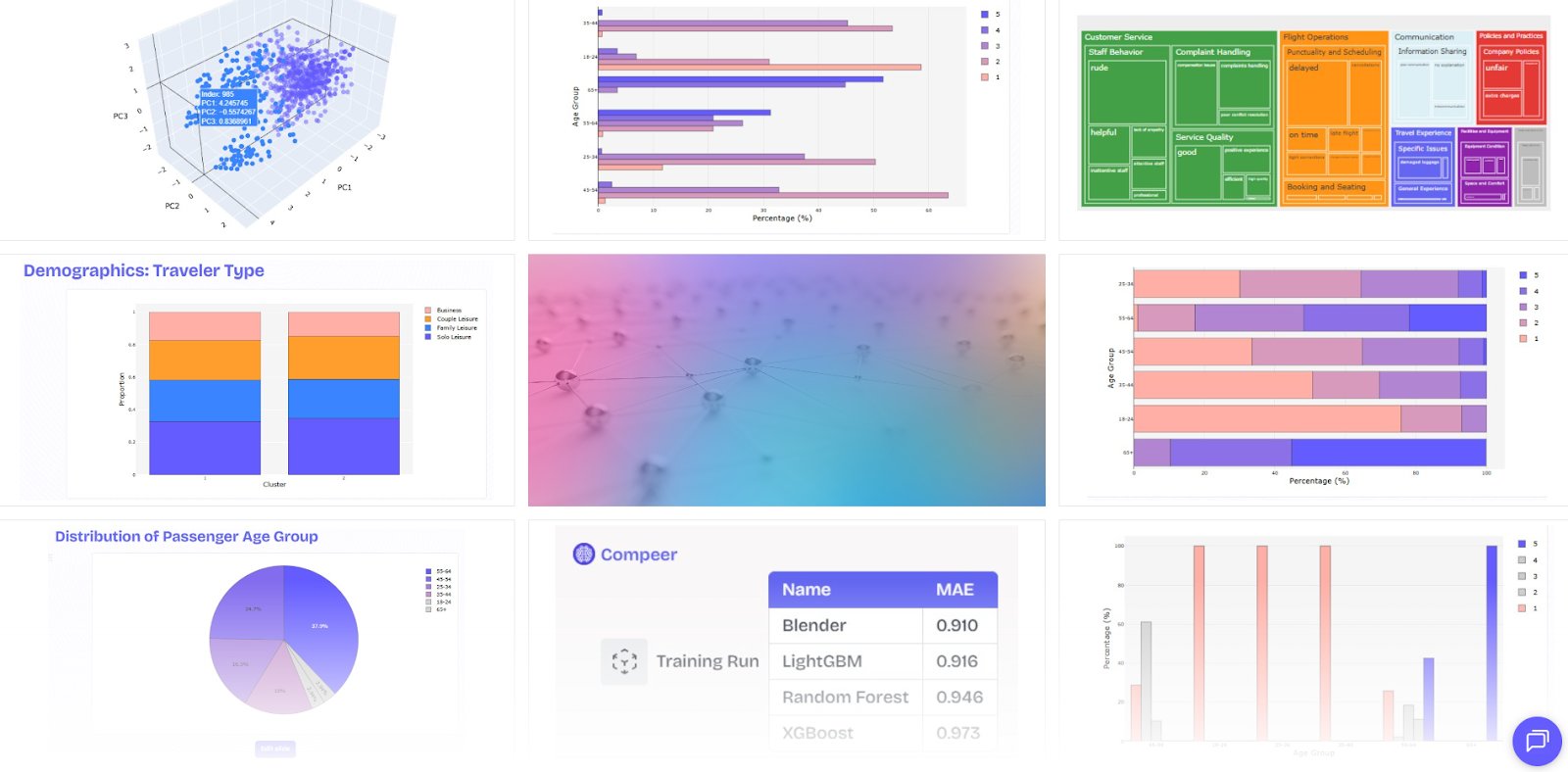
Your team can move from survey programming and interviewing to transcription, coding, cross-tabs, advanced analytics, and reporting without losing context between steps or having to rebuild the story by hand.
Savant adds natural language querying through qual and quant data, so your team can pull answers faster, compare cuts, extract patterns, and turn raw research into actionable insights with less manual work.
Book a demo and see how you can do custom research with AI!
FAQs About Market Research Tools
What are the tools used in market research?
Market research uses a mix of survey tools, data and statistics tools, visualization tools, competitor research platforms, and social listening tools. Teams also use free market research tools such as Google Trends, Google Keyword Planner, Pew Research Center datasets, and Looker Studio when they need extra context around search demand, public opinion, or reporting.
What are the 4 methods of market research?
The four common market research methods are surveys, interviews or focus groups, observation, and secondary research. Surveys collect structured feedback, qualitative research uncovers motivations, observational work shows real behavior, and secondary research uses existing market research data.
What are 5 commonly used market research methods?
Five common methods are online surveys, in-depth interviews, focus groups, social listening, and competitor research. Teams use them to understand consumer behavior patterns, test assumptions, build buyer personas, measure customer sentiment, and inform product development or a marketing plan.
Latest articles
Browse all posts


.svg)
Custom research, reimagined
.svg)
.svg)
.svg)
.svg)